Convolution from scratch
Convolution with just numpy, compared to scipy.
Both functions flip the kernel, pad with zeros and return an image the same size as the input. conv4 uses four loops. conv2 loops over pixels and multiplies the whole window at once.
For even kernels like [1, −1] the extra padding goes on the left (or top). That matches scipy's “same” mode.
Both match convolve2d(mode="same") to within 2e-15.
| Filter | conv4 | conv2 | scipy |
|---|---|---|---|
| 9 × 9 box | 1.22 s | 0.144 s | 0.008 s |
| Dx = [1, −1] | 0.045 s | 0.143 s | 0.0007 s |
| Dy = [1, −1]T | 0.047 s | 0.143 s | 0.0008 s |
scipy is much faster since it's compiled. conv4 is slowest on the 9 × 9 box (81 multiplies per pixel), but on the 2-tap filters it beats conv2, because conv2 makes a numpy call at every pixel.
Zero padding makes the border of the blurred image dark. scipy does the same thing by default. With boundary="symm" it mirrors the edge instead and the dark border goes away. I use mirroring after this part.
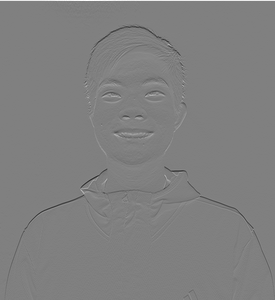
Finite difference operator
Derivatives, gradient magnitude and edges on the cameraman.
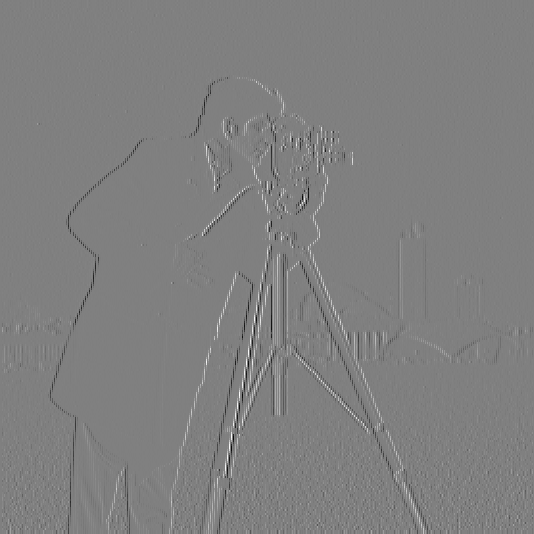
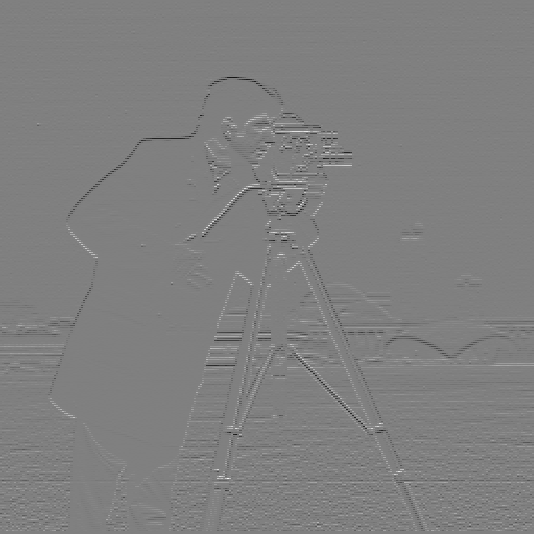
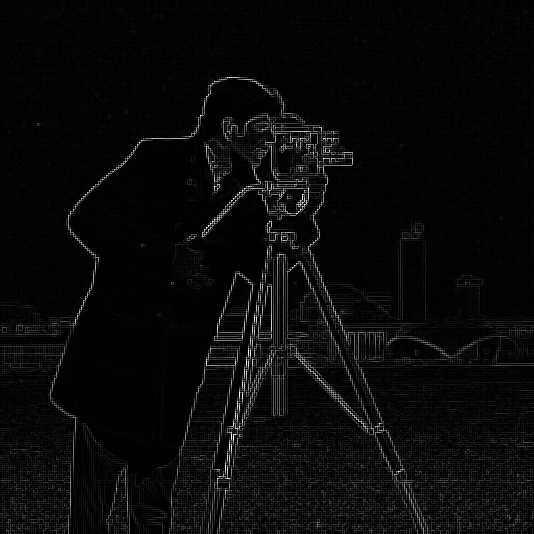
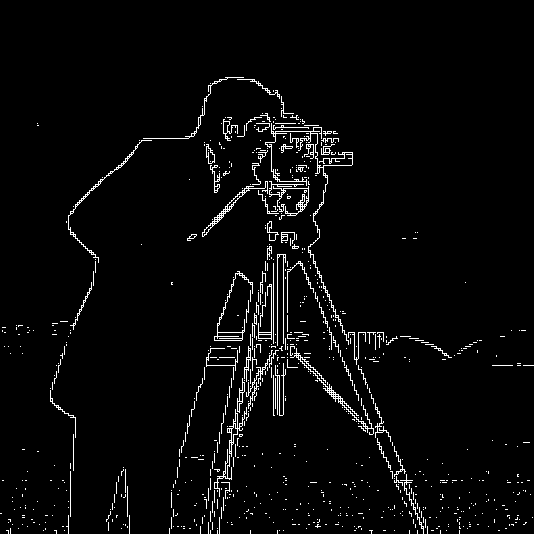
Dx = [1, −1] and Dy is its transpose. The gradient magnitude is sqrt(gx2 + gy2) at each pixel.
I tried a few thresholds. 0.1 picks up the grass and 0.3 loses parts of the tripod and buildings. I went with 0.2, which leaves a little noise in the grass but keeps the real edges.
The cameraman png has a white border that shows up as an edge, so I crop it first.
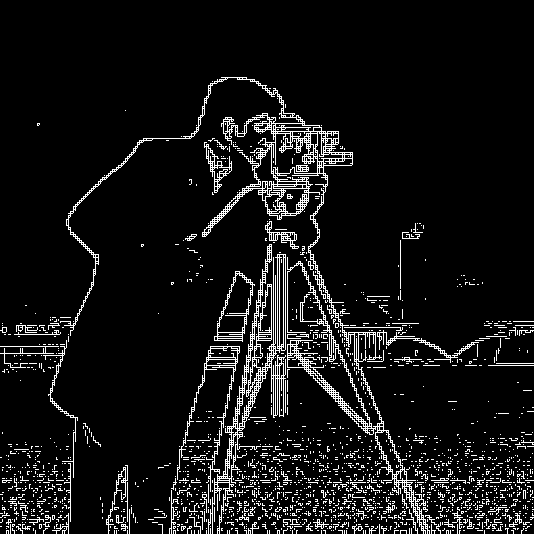
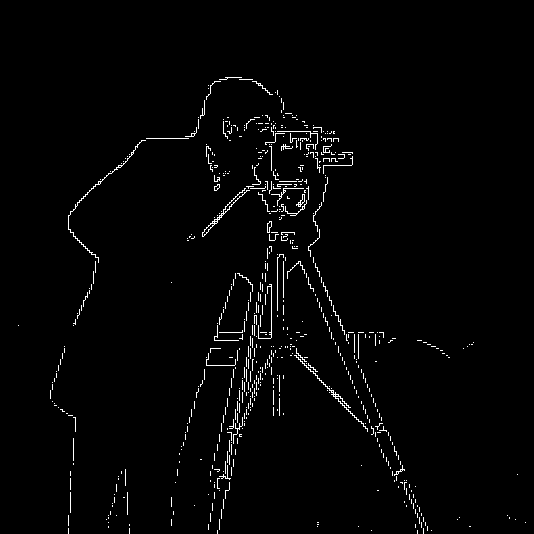
Derivative of Gaussian
Blur first, then take derivatives.
G is 13 × 13 with σ = 2, made from cv2.getGaussianKernel(13, 2) times its transpose.
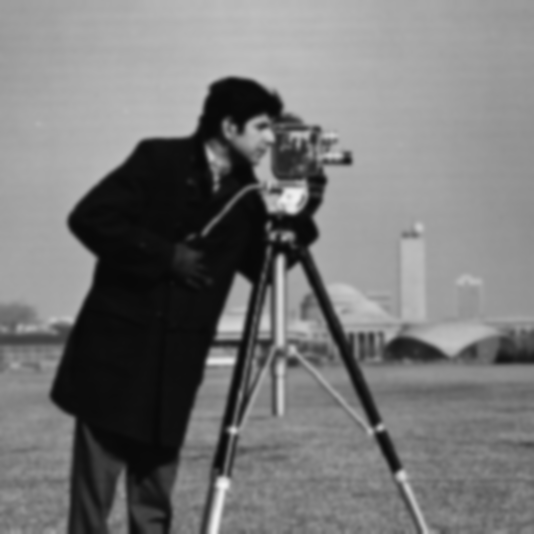
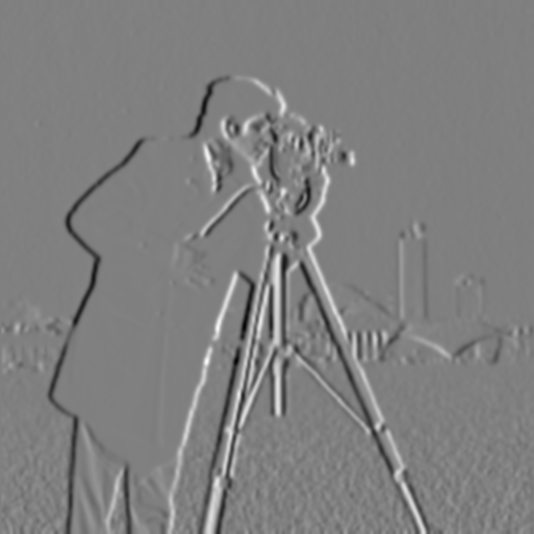
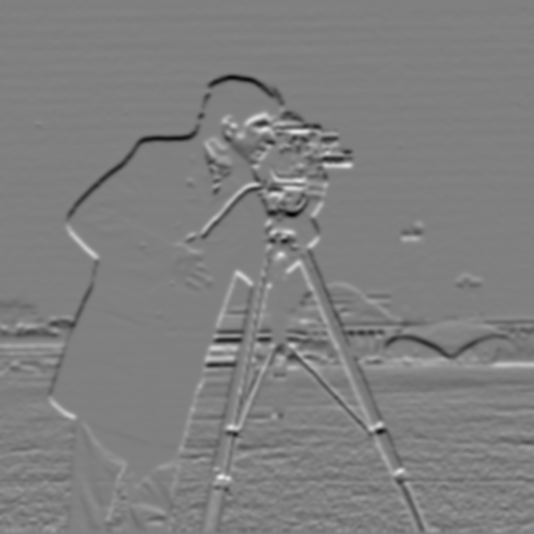
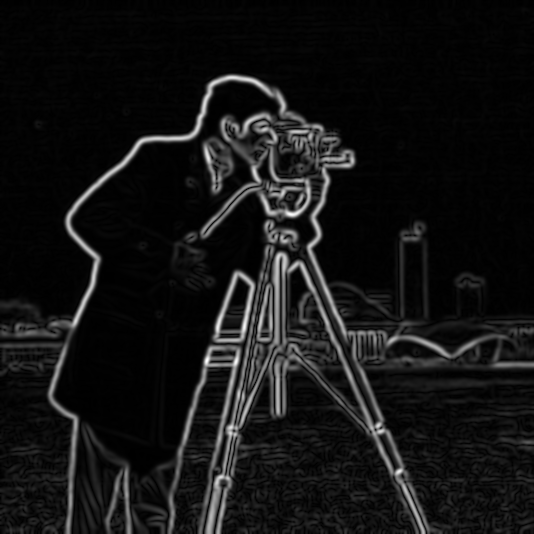
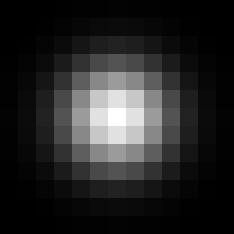
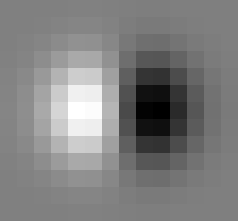
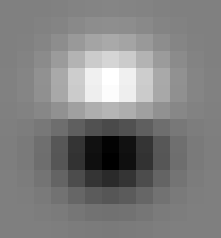
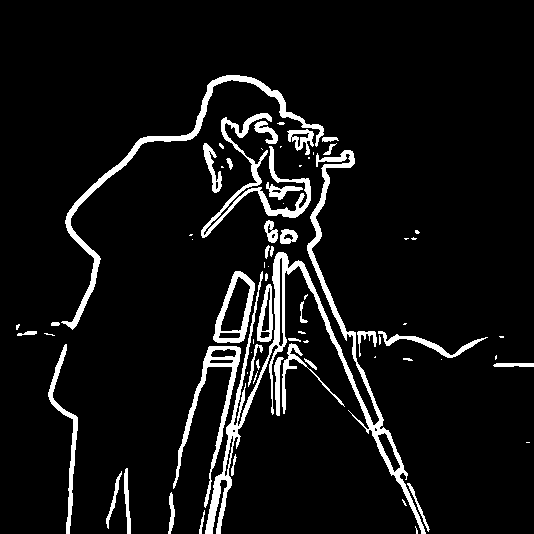
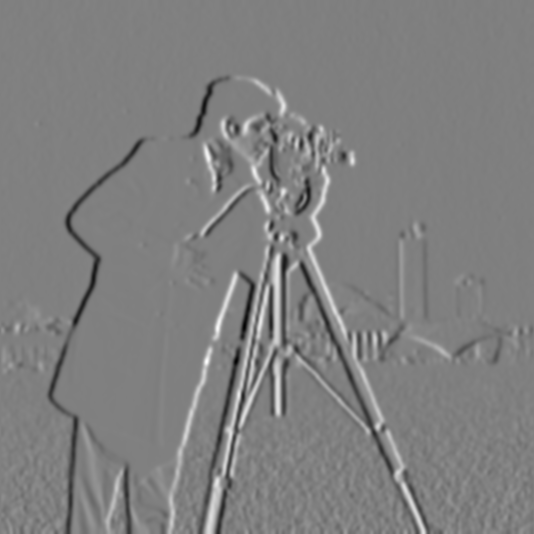
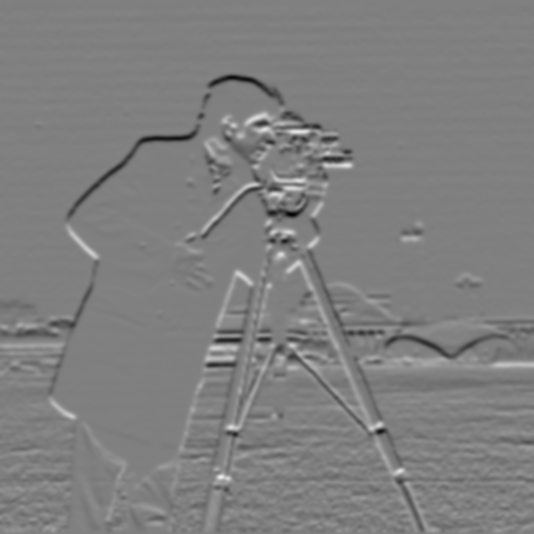
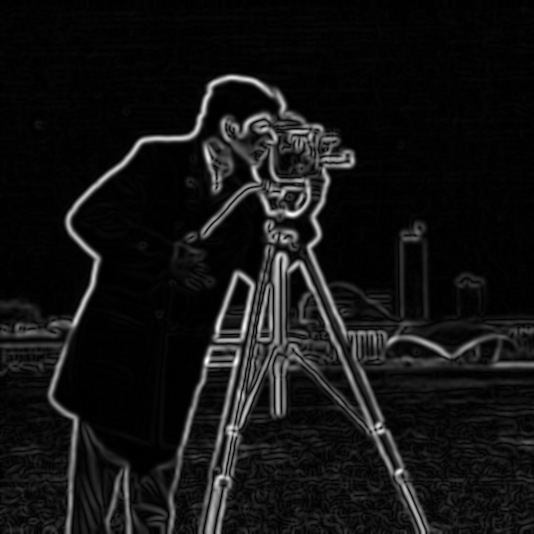
Compared to 1.2 there's a lot less noise and the edges are thicker. The magnitudes are smaller too, so I lowered the threshold to 0.05.
The DoG filters are G convolved with Dx and Dy. Using them gives the same result as blurring and then differencing (max difference 1e-15 away from the border).
Bells and whistles
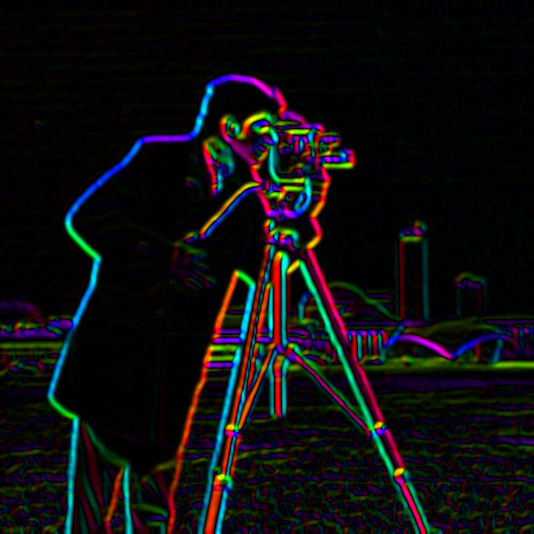
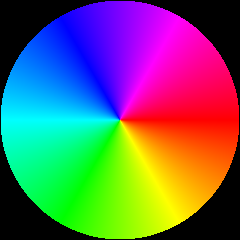
gx/|g| and gy/|g| are already cos θ and sin θ, so I didn't need an angle function. I made r, g and b from cos(θ), cos(θ − 120°) and cos(θ − 240°) using the angle addition formula, then converted to HSV and set saturation to 1 and value to the magnitude.
The two sides of each tripod leg get opposite colors since the gradient flips direction.
Sharpening
Unsharp masking.
im − blur is the high frequencies. Adding α times that back sharpens the image. It works as one filter:
im + α(im − im * G) = im * ((1 + α) e − α G)
where e is the unit impulse. I used σ = 2.
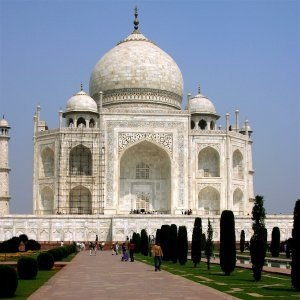
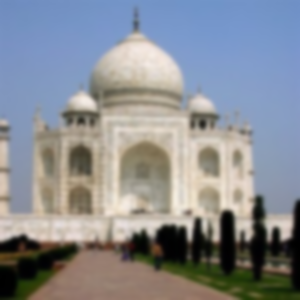
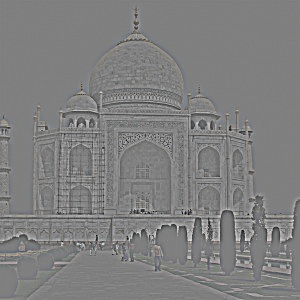
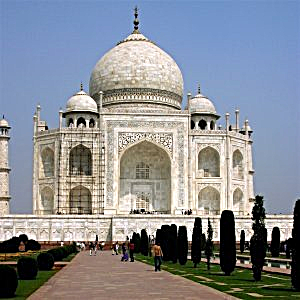
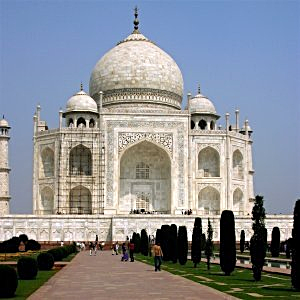
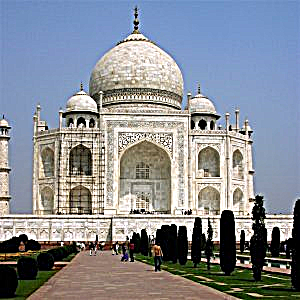
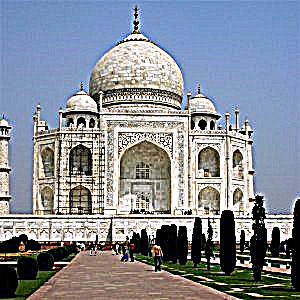
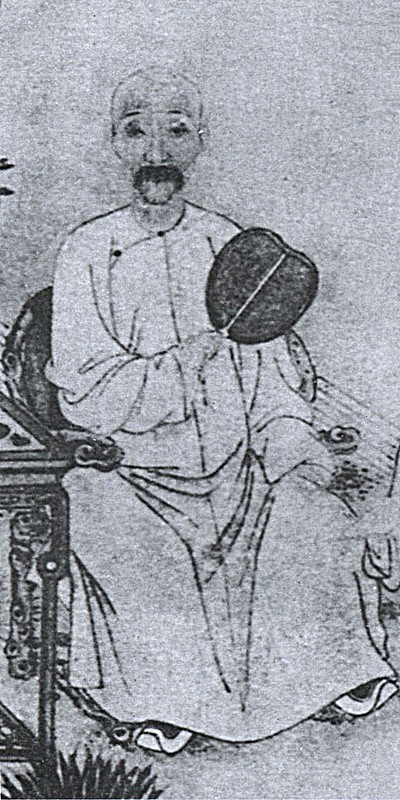
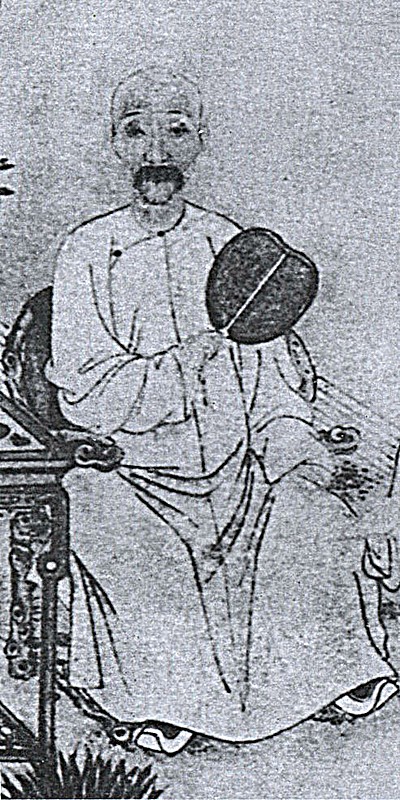
Higher α looks sharper, but at α = 4 there are halos and the sky gets noisy.
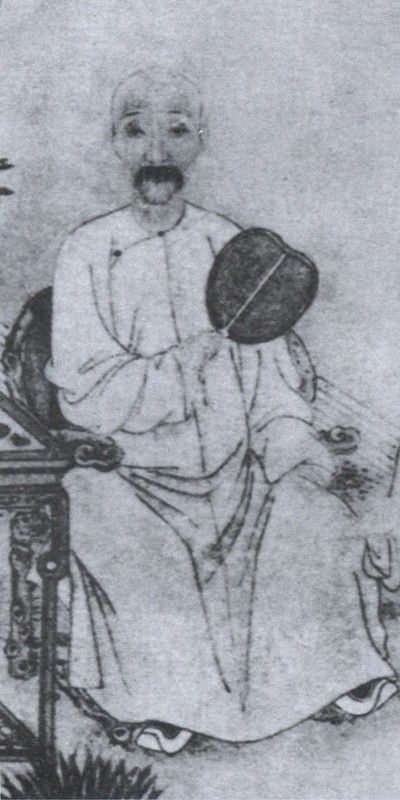
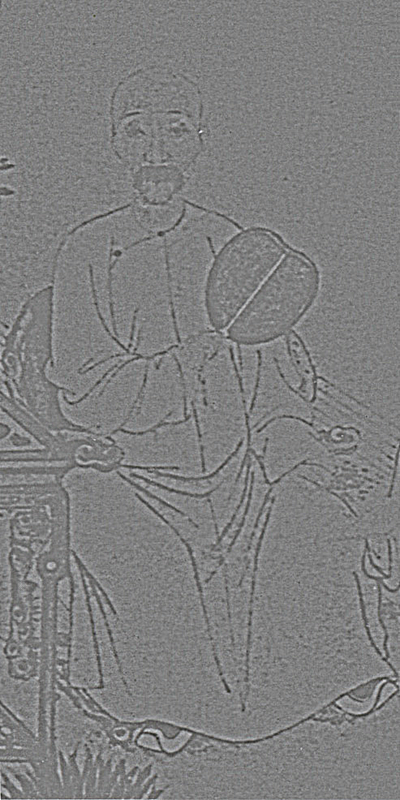
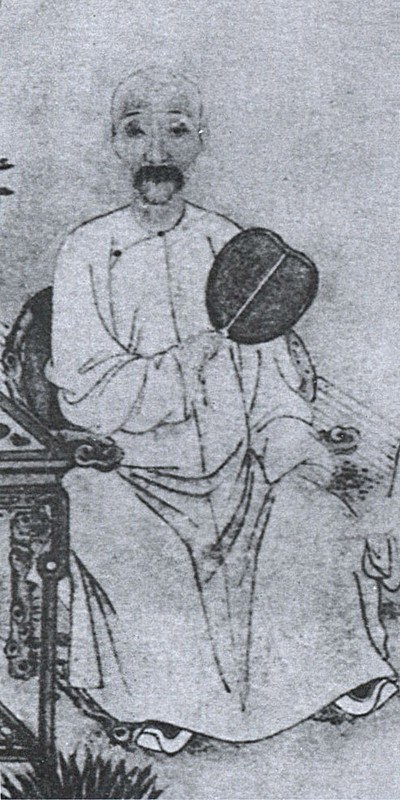
For my own image I used an old scan of a portrait of Hong Liangji. Sharpening brings out the lines but also the paper grain.
Blur, then sharpen
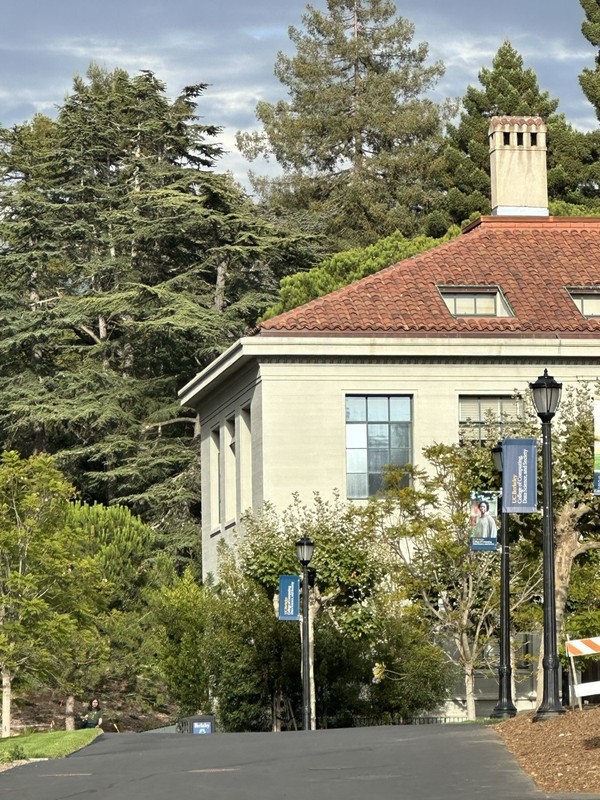
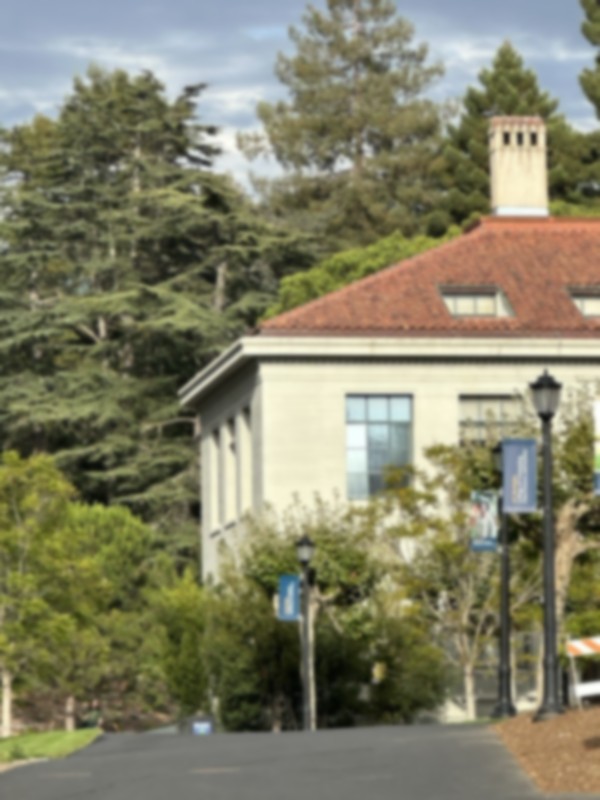
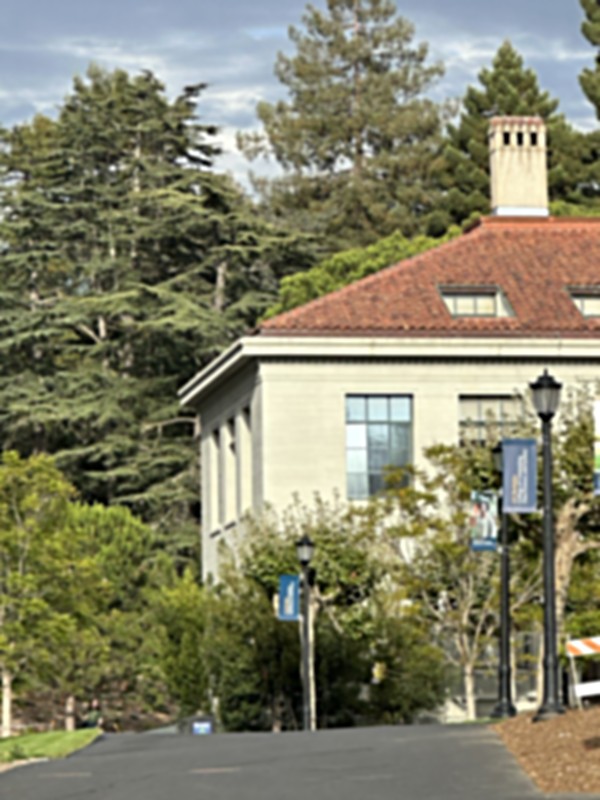
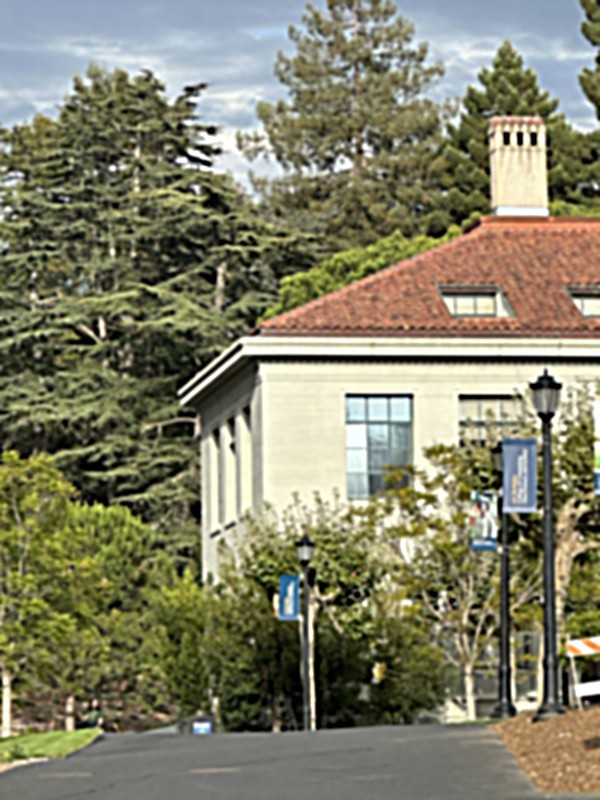
I blurred a sharp photo and then sharpened it again.
| Image | Mean |difference| from the original |
|---|---|
| Blurred | 0.066 |
| Sharpened, α = 0.5 | 0.062 |
| Sharpened, α = 1 | 0.059 |
| Sharpened, α = 2 | 0.056 |
| Sharpened, α = 4 | 0.060 |
The edges come back (roof, windows) but the texture in the trees doesn't, since the blur removed it. α = 2 had the lowest error and α = 4 overshoots.
Hybrid images
High frequencies of one image plus low frequencies of another.
The low pass is a Gaussian blur and the high pass is the image minus the blur.
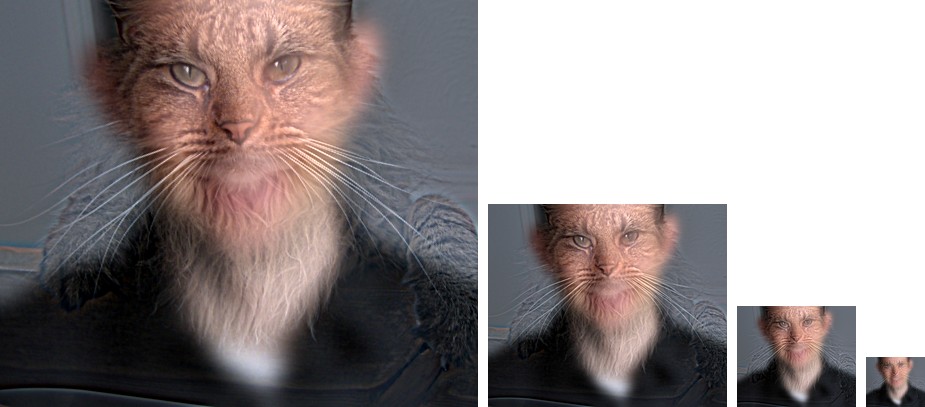
Derek and Nutmeg
Nutmeg is the high frequency image and Derek is the low. The other way around didn't work, since the cat is mostly fur and whiskers.
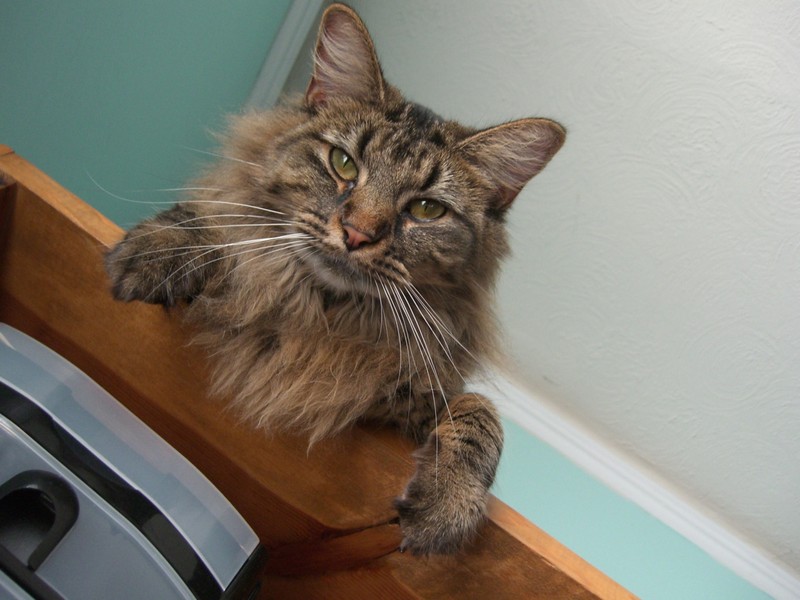
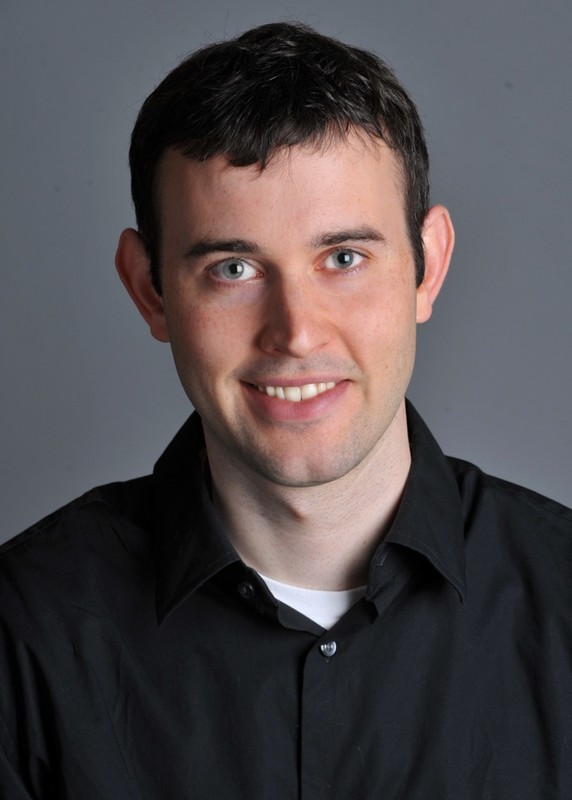
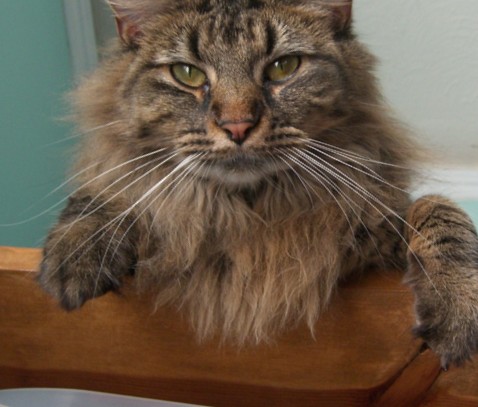
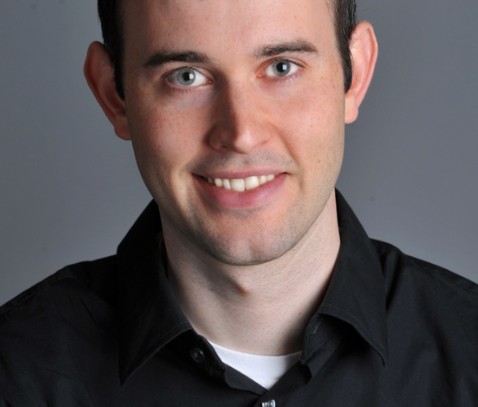
I aligned on the eyes with the starter code. Rotating Nutmeg leaves black corners that show up in the high pass, so I crop both images to where they overlap.
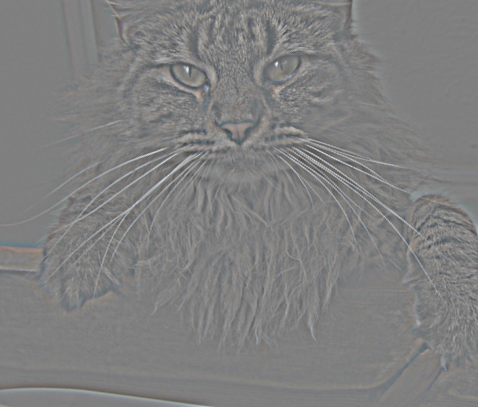
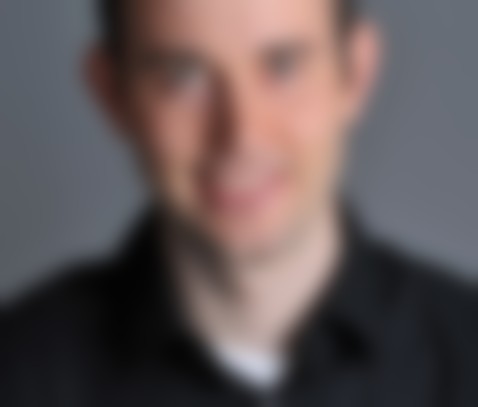
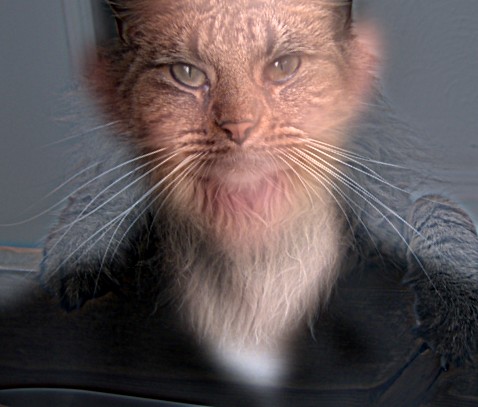
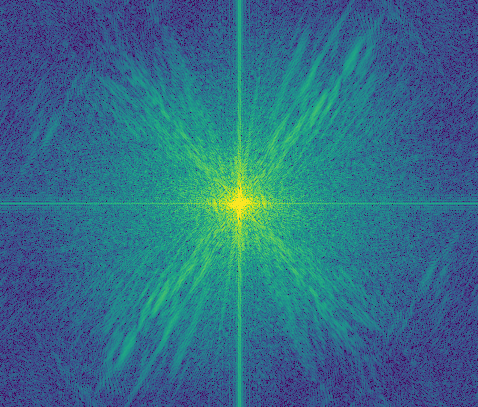
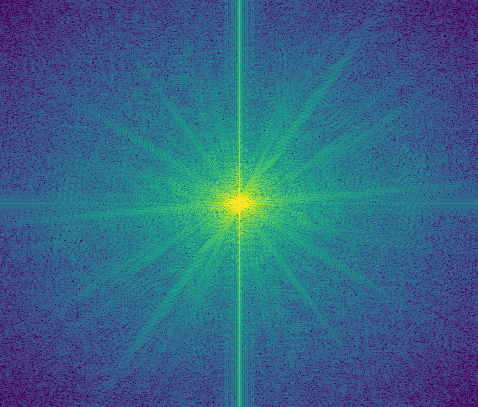
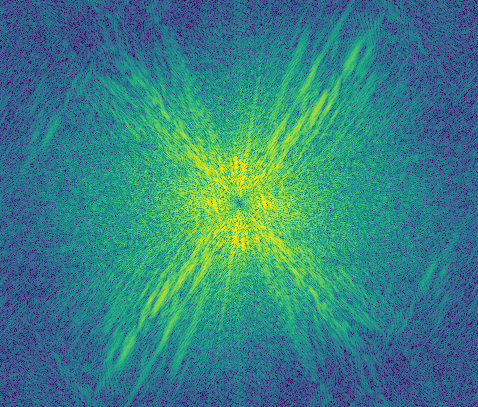
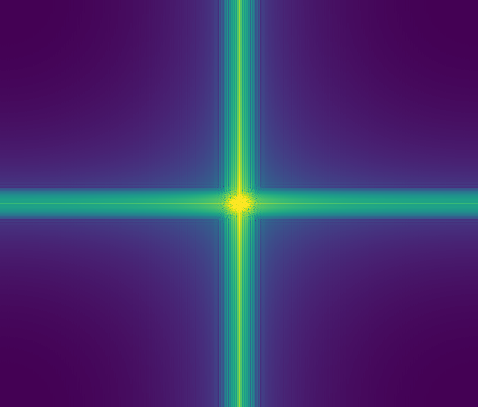
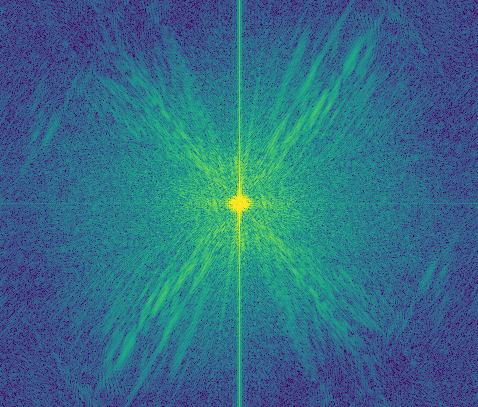
Low-passed Derek only has energy near the center, and high-passed Nutmeg has the center removed. The cross in each plot comes from the image borders.
A Gaussian's frequency response is exp(−2π2σ2f2), which drops to 1/2 at about f = 0.19/σ. So Derek (σ = 10) keeps below about 0.019 cycles/pixel and Nutmeg (σ = 4) keeps above about 0.047.
Mine
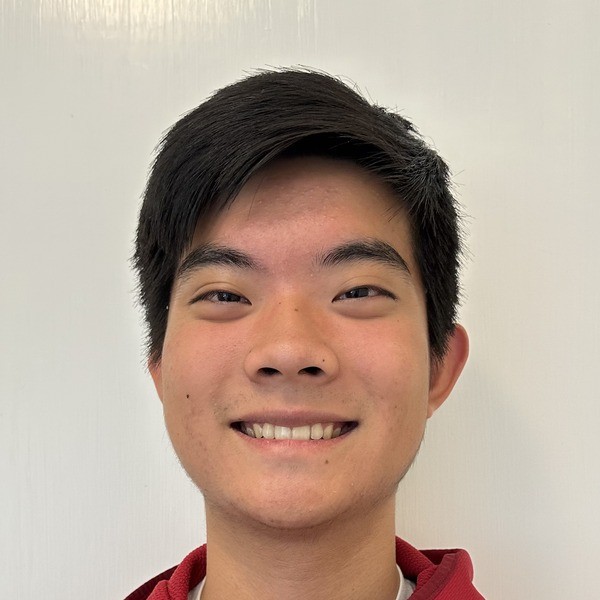
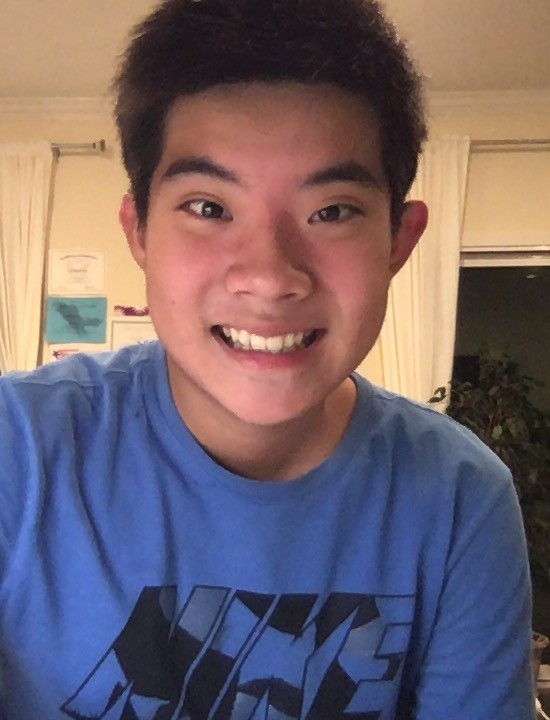
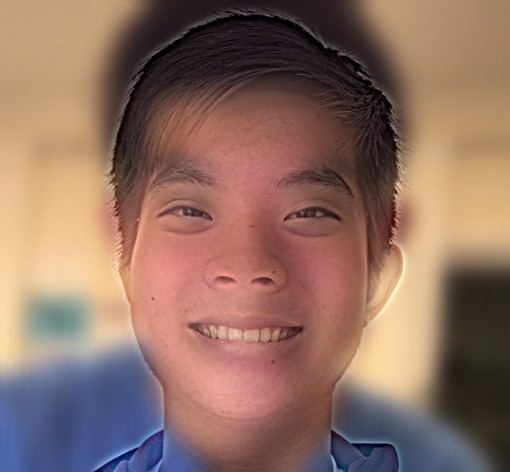
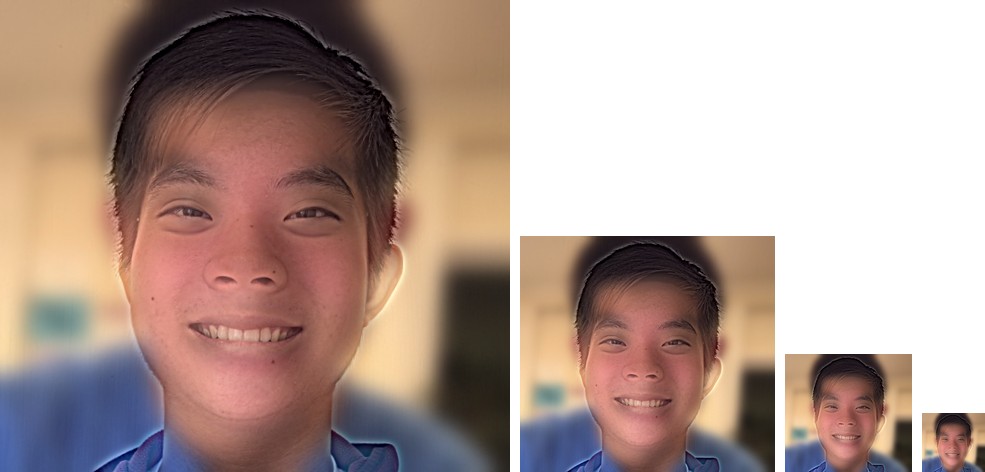
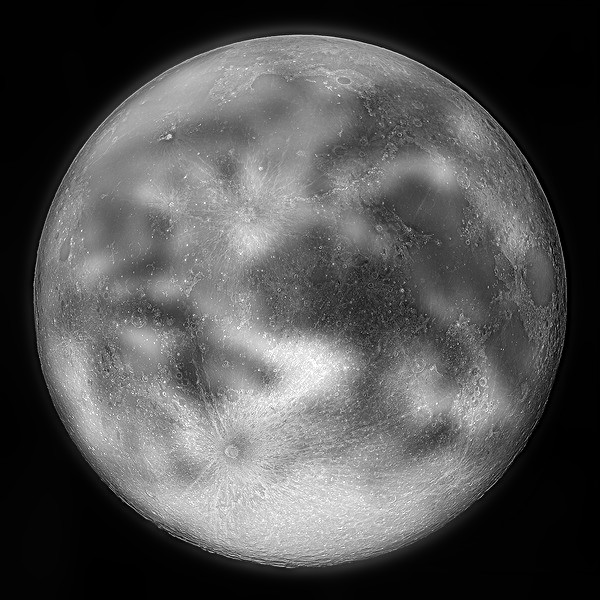
This one doesn't work as well. You can see the Earth's color up close too. It's better in gray.
Bells and whistles: color
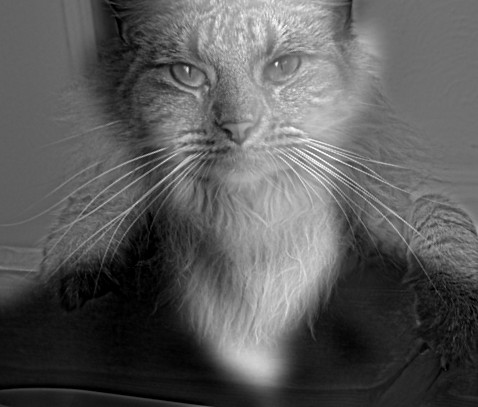
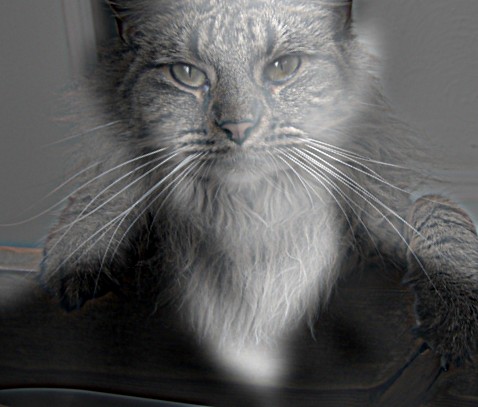
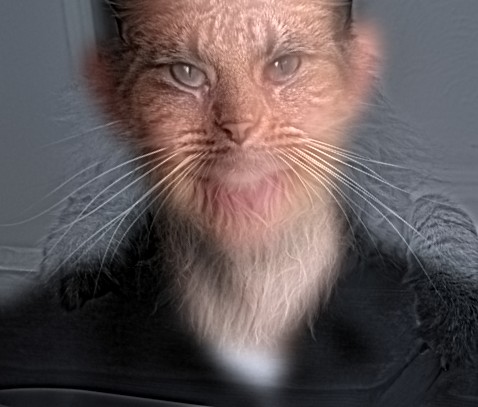
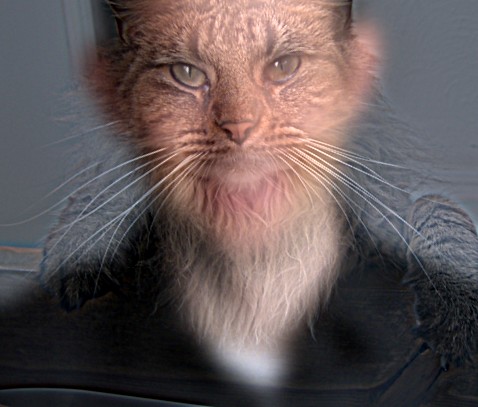
Color in the high frequencies barely changes anything. Color in the low frequencies helps the most, especially from far away. I used color for both.
Gaussian and Laplacian stacks
Like pyramids but without downsampling.
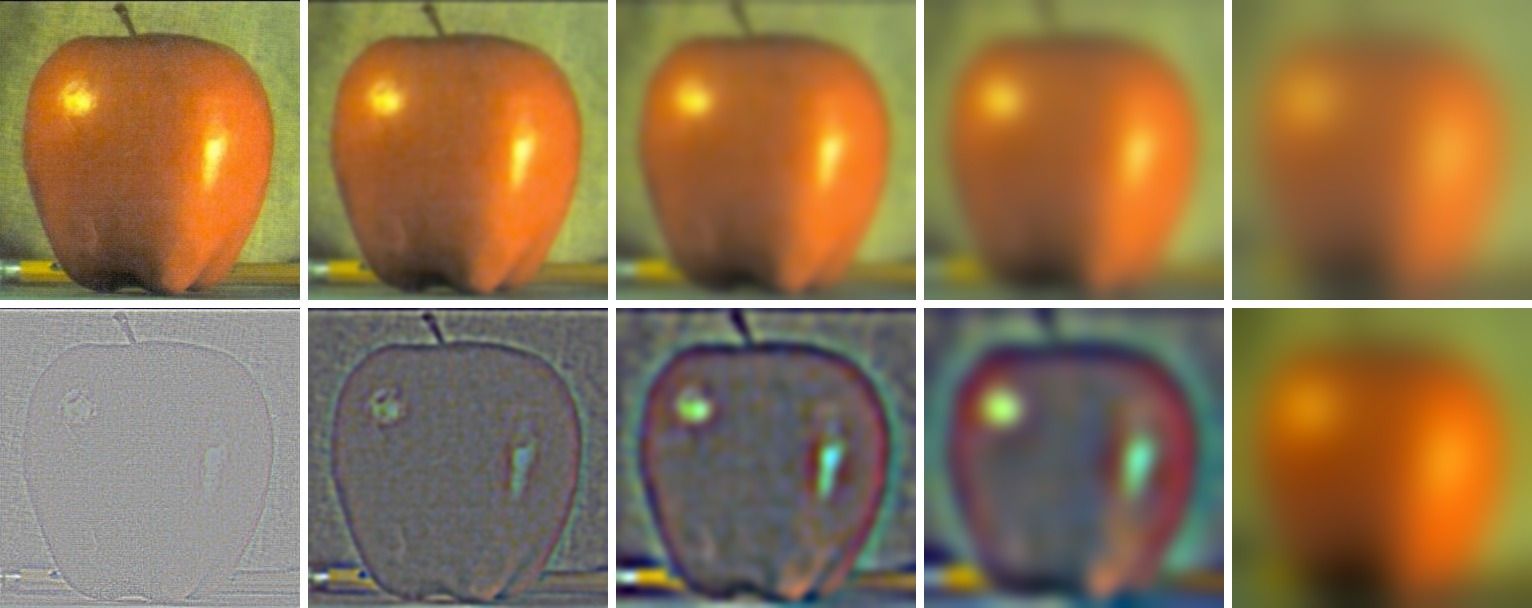
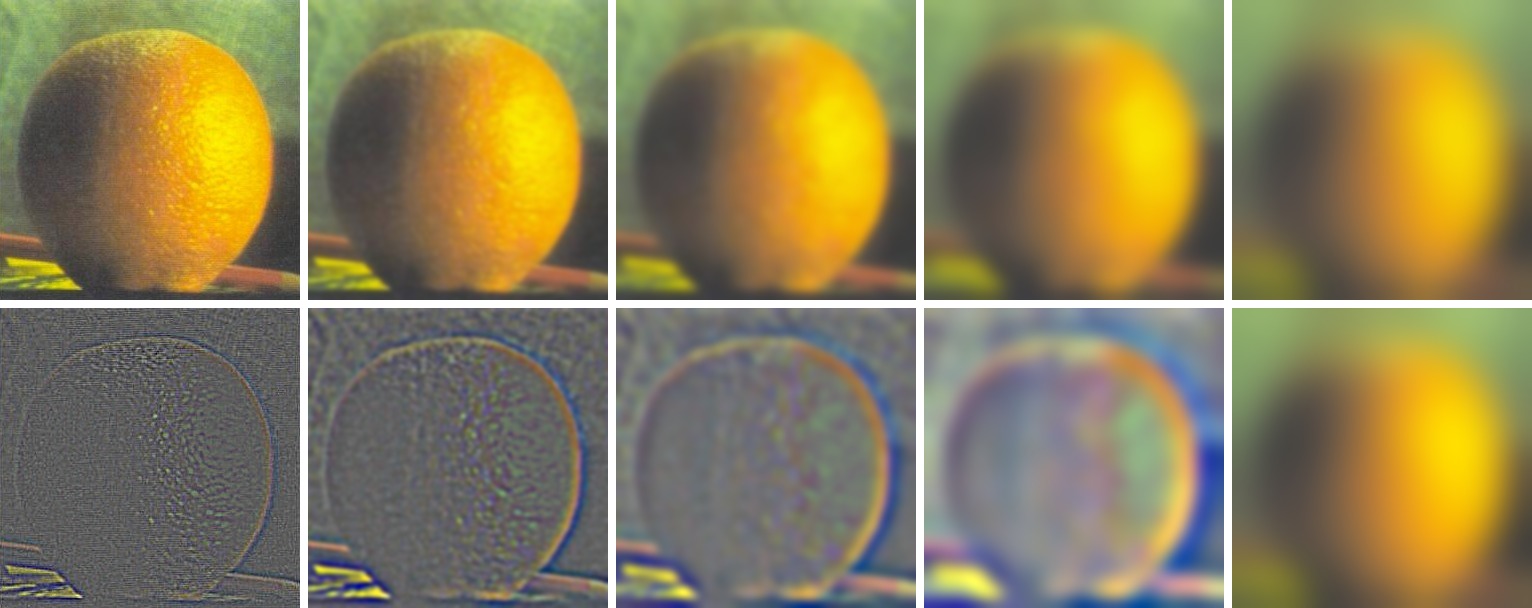
Each Gaussian level blurs the one before it, and σ doubles each level (2, 4, 8, 16). With the same σ every level, the levels looked almost the same.
Each Laplacian level is the difference of two Gaussian levels, and the last one is the last Gaussian level, so they add back up to the original (error 1e-16). I stretched the contrast to show them.
Multiresolution blending
Blending each frequency band separately.
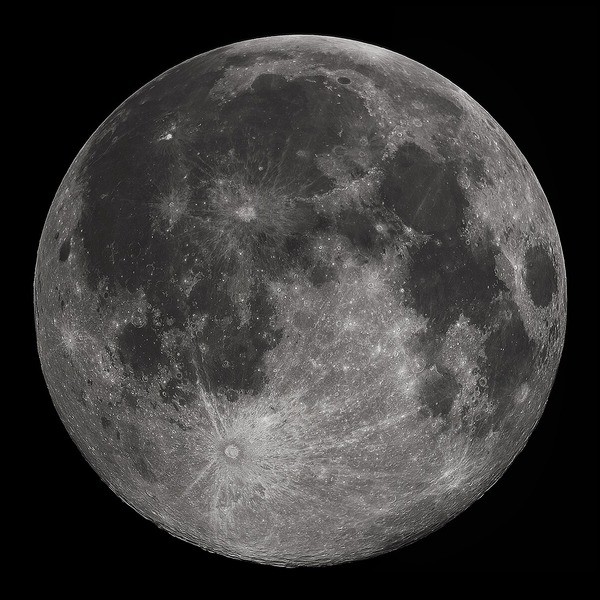
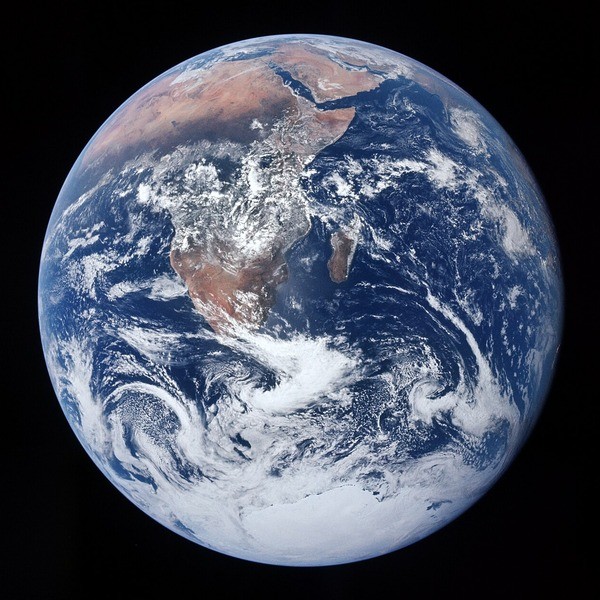
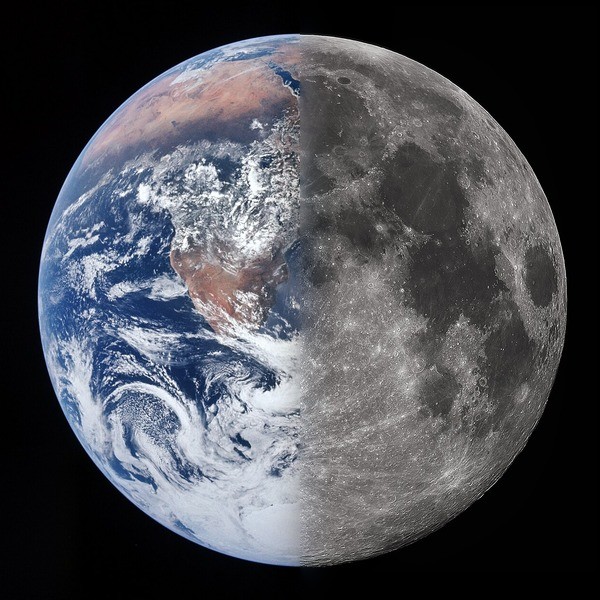
I make a Gaussian stack of the mask too. At each level the output is gm·la + (1 − gm)·lb, and then I add up the levels. The fine levels get a sharp seam and the coarse levels get a wide one. 5 levels, σ = 2.
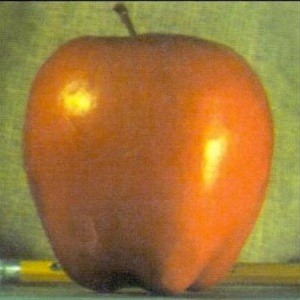
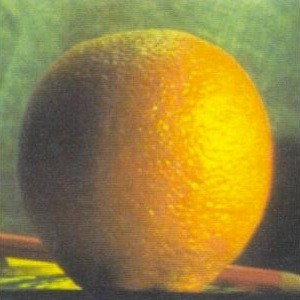
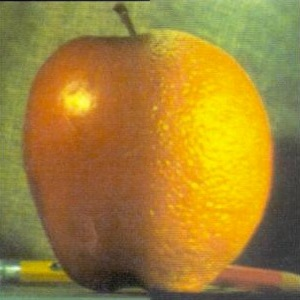
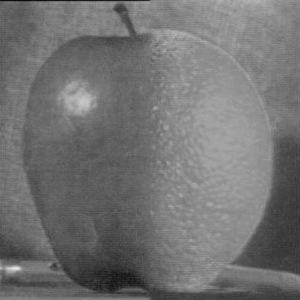
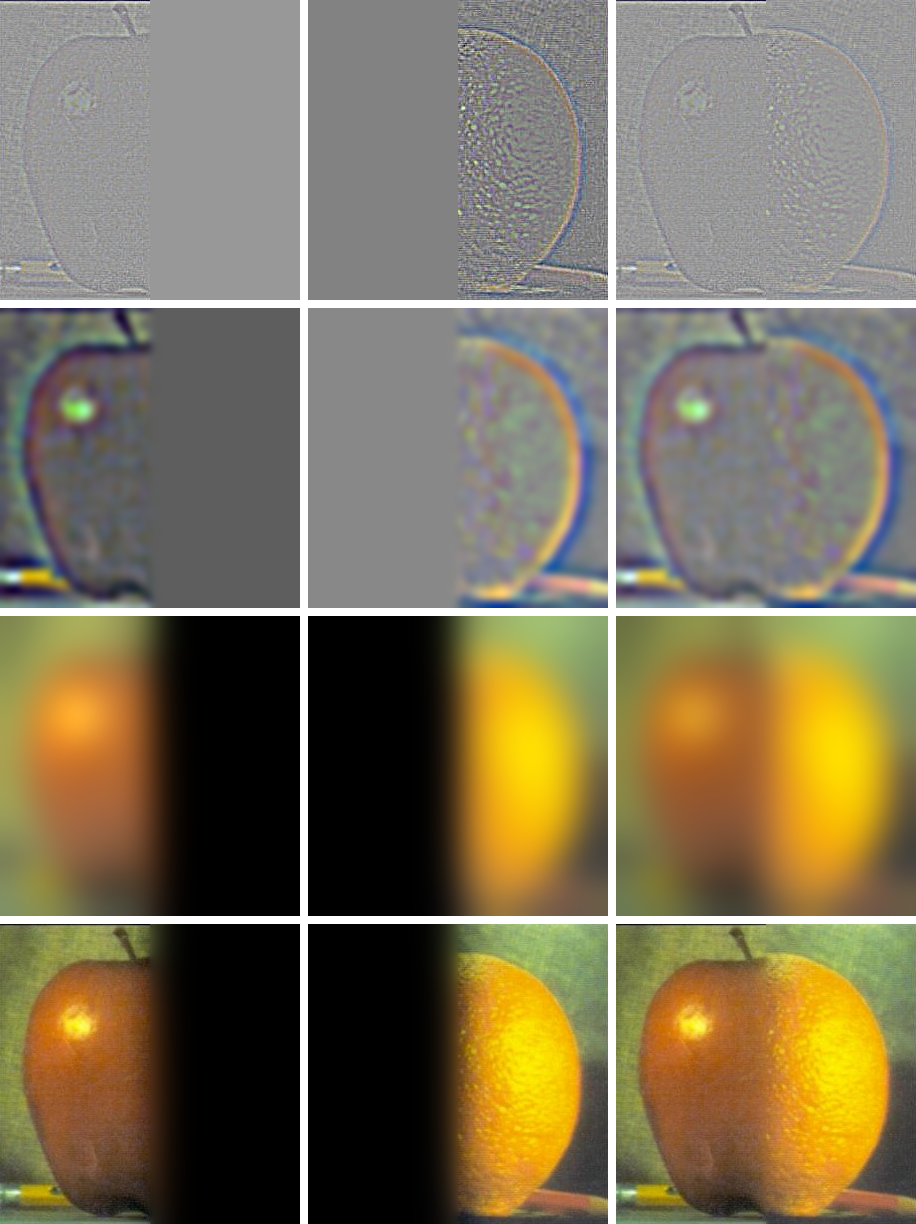
At level 0 the seam is basically a hard line. At level 4 it's very wide, so the colors fade smoothly.
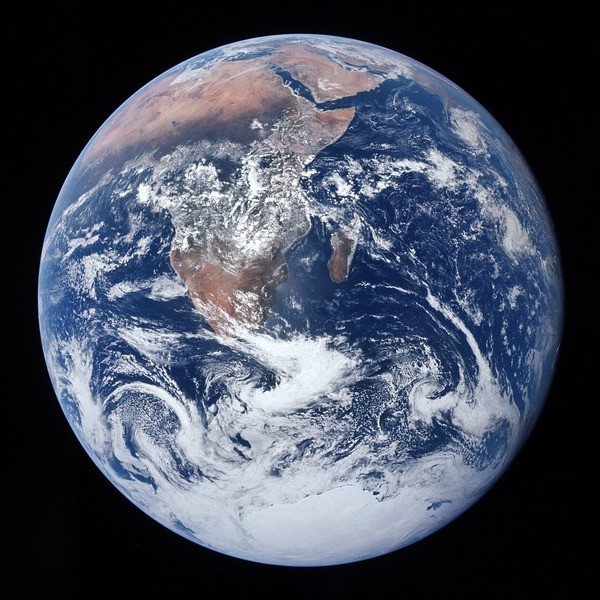
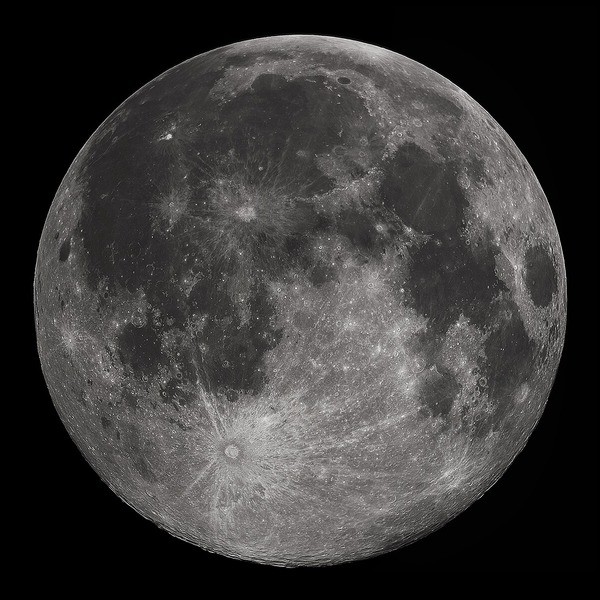
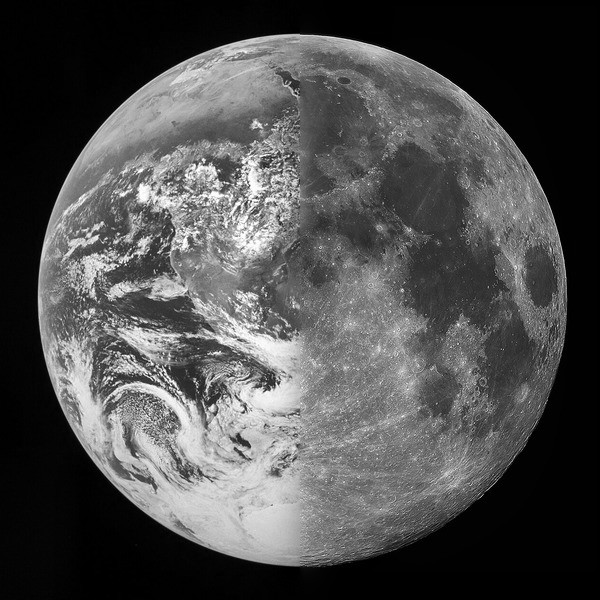
Earth and Moon
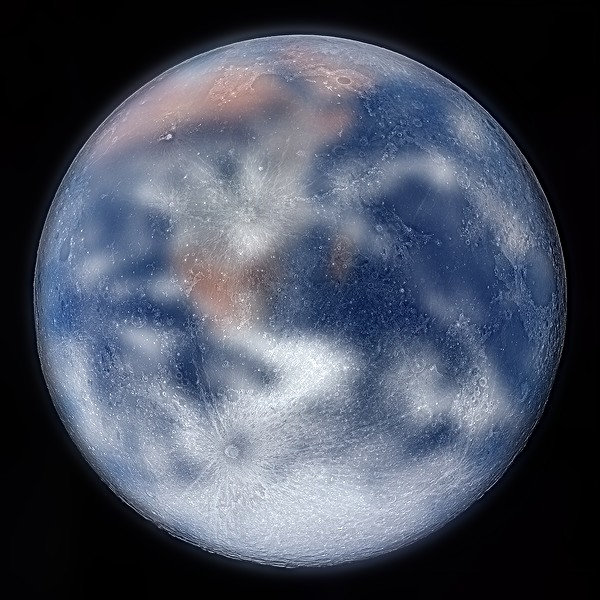
Same seam. I cropped both so the discs line up.
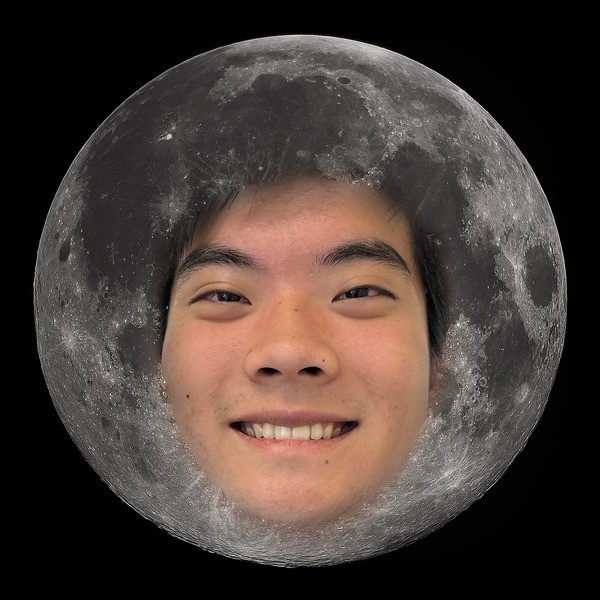
Me on the Moon
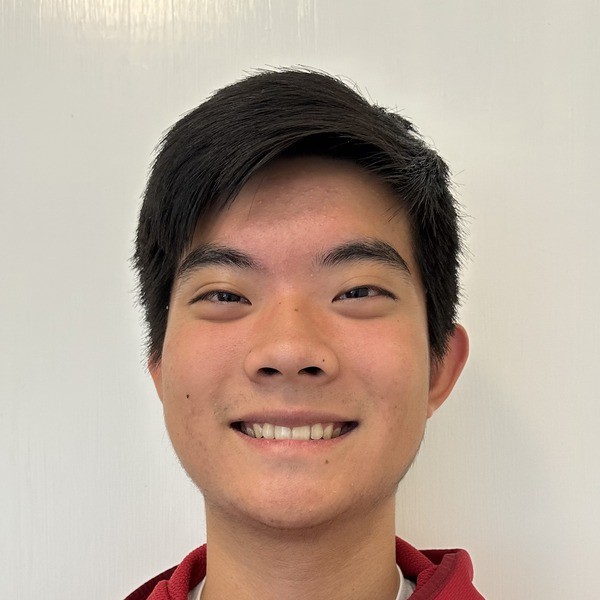
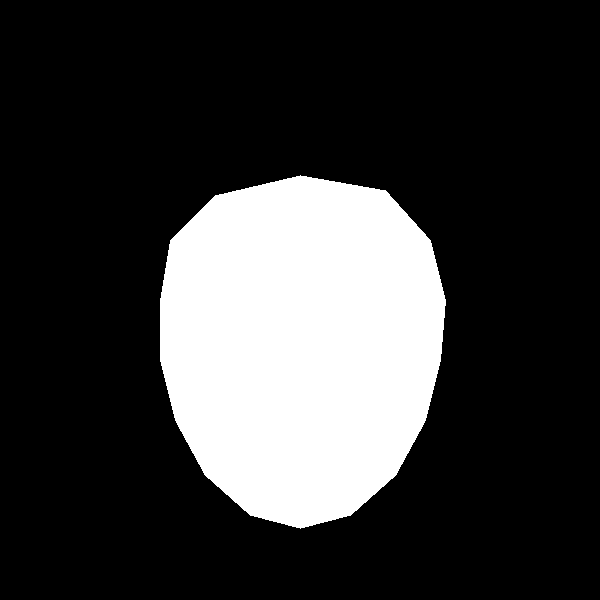
Irregular mask around my face. This is my favorite, so here are all the levels (like Figure 10 in the paper).
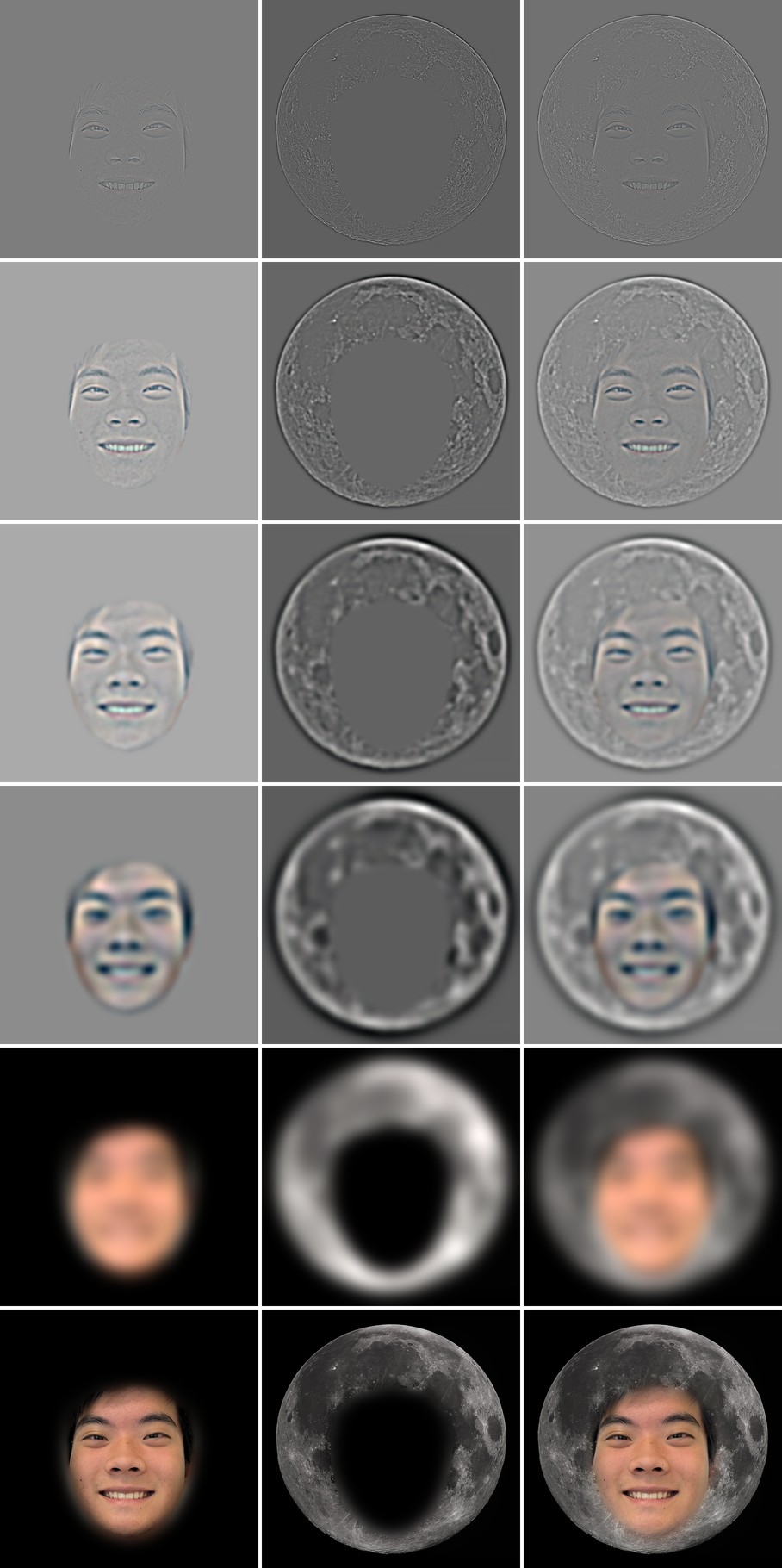
The fine levels only have my features and the mask edge. The coarse levels are blurry enough that the face and the Moon meet without a line.
Bells and whistles: color
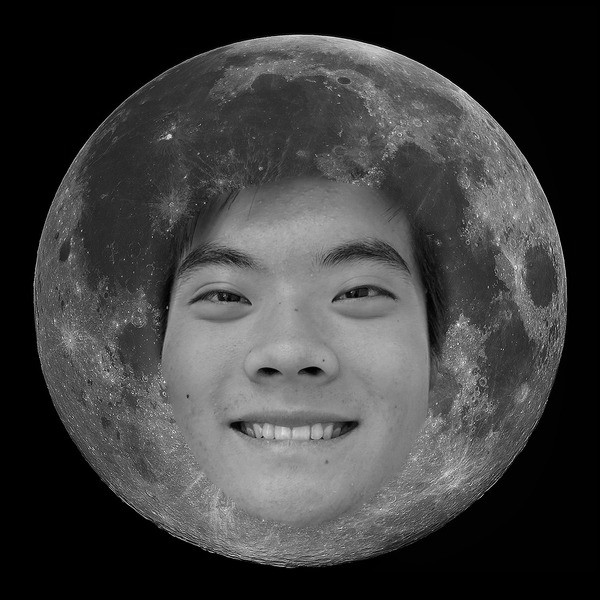
For Earth and Moon, color makes it more interesting. For my face, gray looks better because my skin color stands out against the Moon.
What I learned
The biggest thing I learned is that almost everything in this project is just blurring and subtracting. Sharpening adds back what the blur removed. Hybrids take what the blur removed from one image and what it kept from another. A Laplacian stack is blur and subtract over and over. Once I saw it that way, the four parts felt like one idea instead of four.
It also changed how I pick parameters. At first I was guessing σ values. After working out that a Gaussian cuts off around 0.19/σ cycles per pixel, I could think about which frequencies each image keeps. That's why the cat has to be the high frequency image. Almost all of it is fur and whiskers, so there's nothing left of it after a low pass.
A few smaller things surprised me. Convolution is associative, so blurring and then taking a derivative is the same as one convolution with a DoG filter, and I got the same answer to 1e-15. The edges of the image matter more than I expected: zero padding darkens the border, the cameraman's white frame showed up as an edge, and the black corners from rotating Nutmeg showed up in the high pass. And for blending, the mask needs its own stack. With a hard mask at every level you just get a visible line.
Last, color mostly matters in the low frequencies. In the hybrids, color in the high frequencies barely changed anything. In the blends, color could help (Earth and Moon) or hurt (my face on the Moon) depending on whether the two images have similar colors.