The plates
Each scan is one tall strip with the three exposures stacked: blue on top, then green, then red.
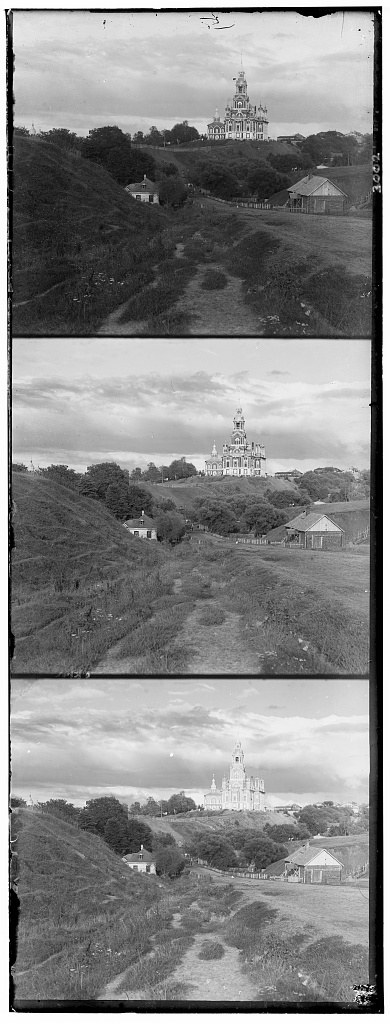
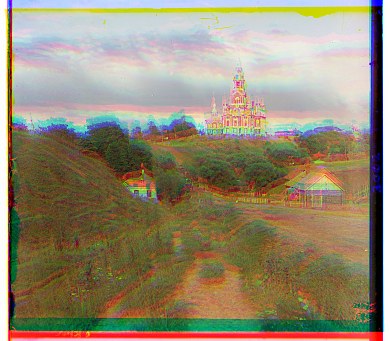
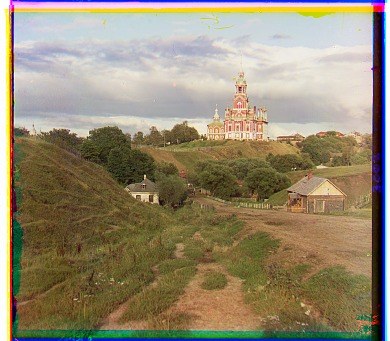
I split the scan into three equal parts along the height and convert to floats in [0, 1] (divide by 255 for the JPEGs, 65,535 for the 16-bit TIFFs). The top third is B, the middle is G, the bottom is R.
I assume the three exposures differ only by a translation. So for each of G and R I need one displacement (dx, dy) that moves it onto B. Positive dx is right, positive dy is down. B never moves.
Single-scale search
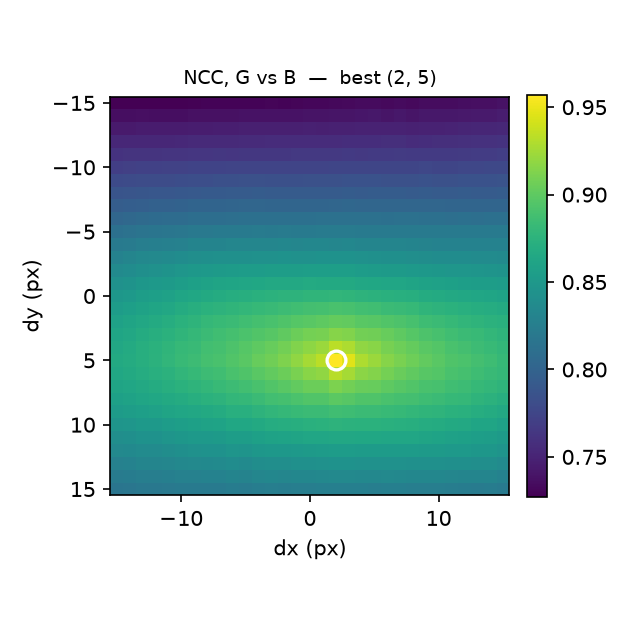
For the small JPEGs I can try every shift in a 31 × 31 window and keep the best one.
For every (dx, dy) with both coordinates in [−15, 15], I shift the moving
channel with np.roll, score it against B, and keep the best score. That is 961
candidates and takes under half a second per image.
I implemented two scores. L2 is the sum of squared differences, which we want small:
L2(A, B) = Σ (Aij − Bij)²
NCC subtracts each image's mean, normalizes to unit length, and takes the dot product. It is the cosine between the two images, so it lives in [−1, 1] and we want it large:
NCC(A, B) = ⟨A − Ā, B − B̄⟩ / (‖A − Ā‖ · ‖B − B̄‖)
Two details matter. np.roll wraps around, so rows pushed off the bottom come
back at the top and have nothing to do with the reference. And each third has its own black
and white frame from the scan. So I crop 15% off every side of both images
before scoring and only compare the interior. That handles both problems, since the crop is
wider than any shift in the window.
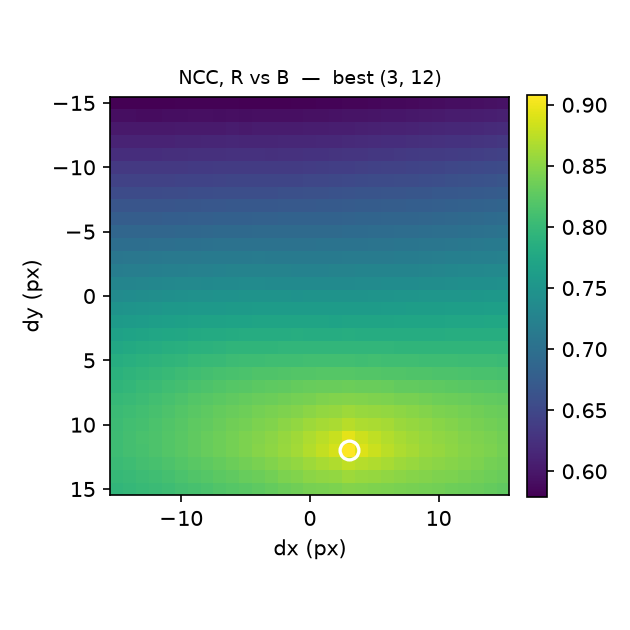
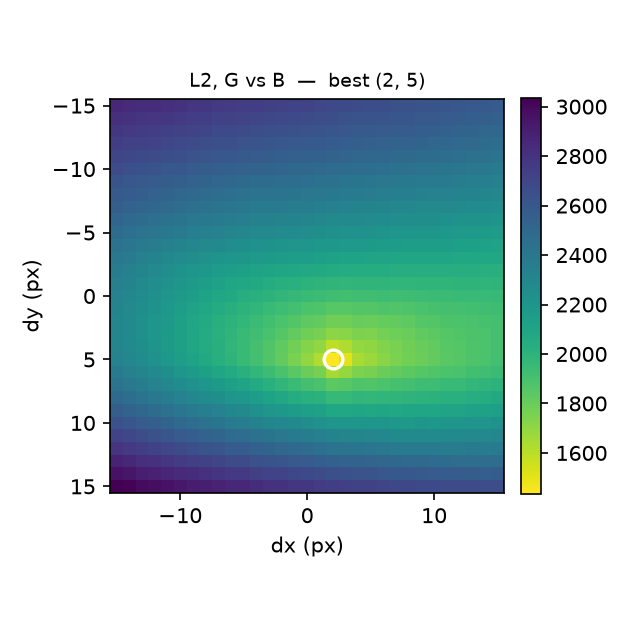
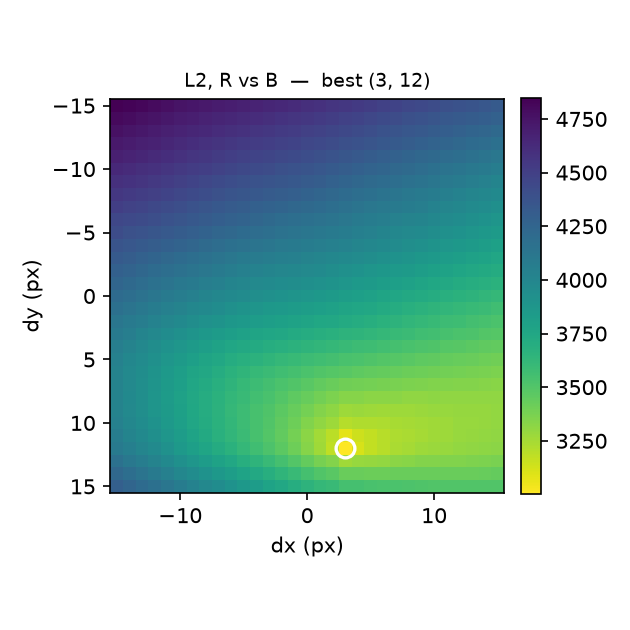
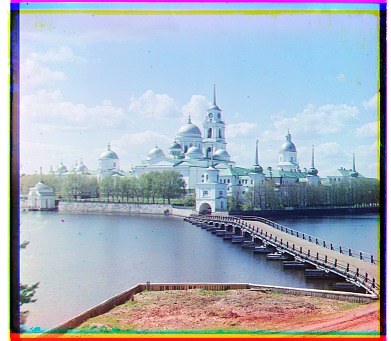
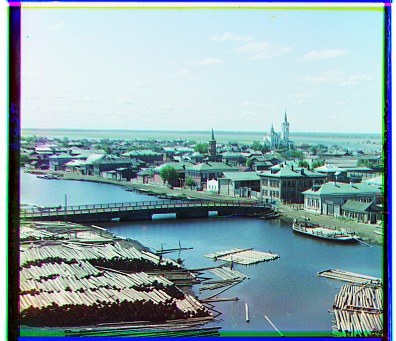
| Image | Metric | G (dx, dy) | R (dx, dy) | Time |
|---|---|---|---|---|
| cathedral | NCC | (2, 5) | (3, 12) | 0.4 s |
| L2 | (2, 5) | (3, 12) | 0.2 s | |
| monastery | NCC | (2, −3) | (2, 3) | 0.4 s |
| L2 | (2, −3) | (2, 3) | 0.2 s | |
| tobolsk | NCC | (3, 3) | (3, 6) | 0.4 s |
| L2 | (3, 3) | (3, 6) | 0.2 s |
What NCC buys you
L2 compares raw brightness, so it wants the two images to be equally bright. The three plates never are, since each was shot through a different filter. NCC removes the mean and the scale, so it only sees whether the pattern of light and dark lines up. That didn't matter on these three plates. It does on the big ones.
The image pyramid
The full-size scans are about 3,700 pixels wide and off by up to 180 pixels. Brute force would take an hour or two per image. The pyramid takes about three seconds.
To be safe on the TIFFs the window would need to be around ±200 pixels. That is 160,000 candidates instead of 961, and each one is a pass over 12 million pixels instead of 130,000, so roughly 15,000 times more work.
Instead I find the answer at low resolution and refine it. I shrink both channels by 2 until the short side is at most 256 pixels, which is four halvings for these scans. At that size a 180 pixel shift is about 11 pixels, so the same ±15 window covers it. Then I go back up one level at a time: double the estimate from below (one pixel there is two pixels here) and search ±3 around it. The recursion is short:
downsample averages every 2 × 2 block into one pixel. The averaging is
a low-pass filter. If I just dropped every other row and column, fine patterns would alias
into false texture that differs between channels, and the coarse search could lock onto it.
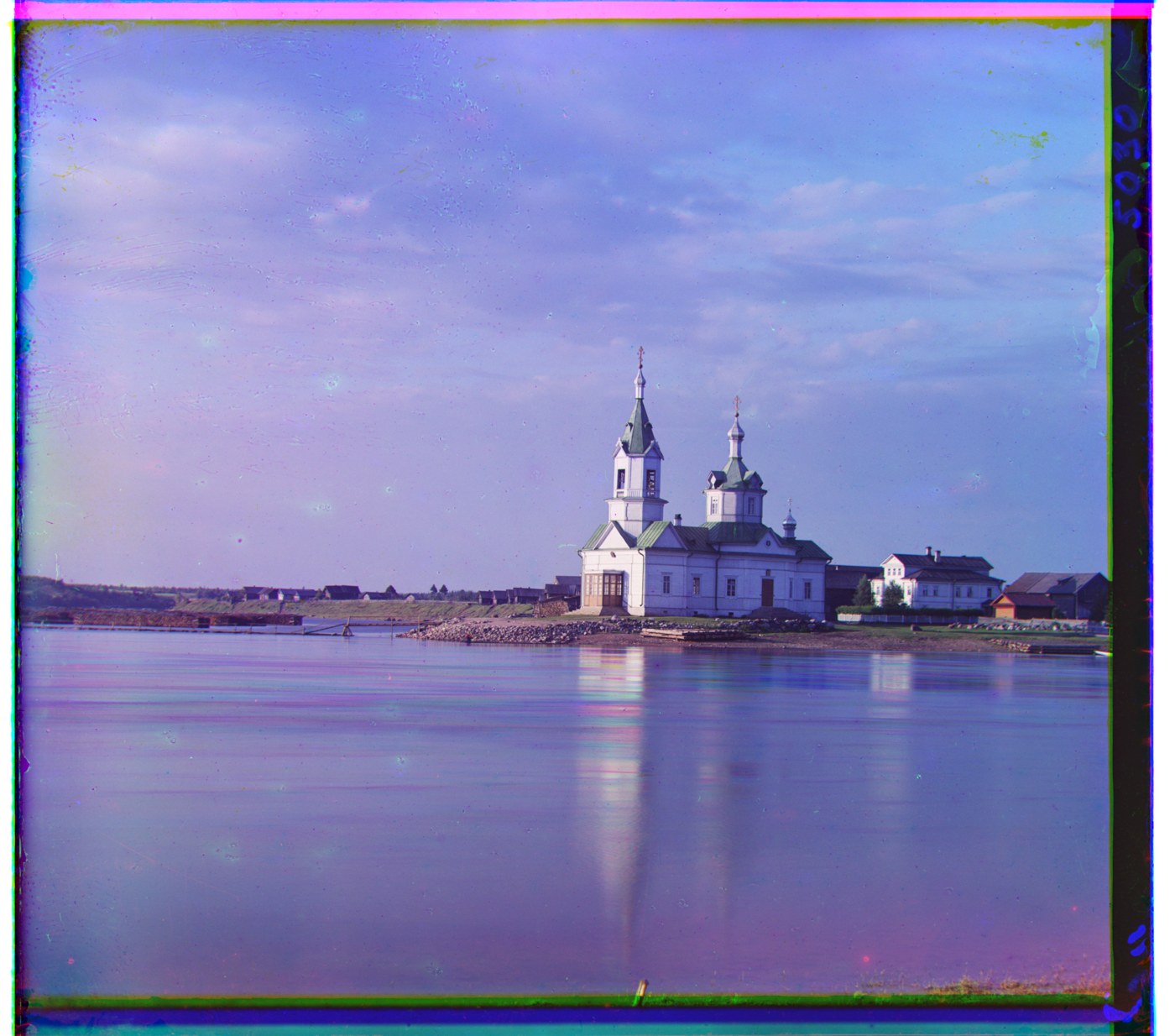
That is 961 evaluations on a 231 × 200 image and 49 at each of the four bigger levels. The full resolution level dominates, and the total is about three seconds per TIFF on my laptop and 0.1 s per JPEG. Every image on this page uses the same parameters: 15% crop, ±15 window at the top of the pyramid, ±3 refinement, 256 pixel stopping size. Nothing was tuned per image.
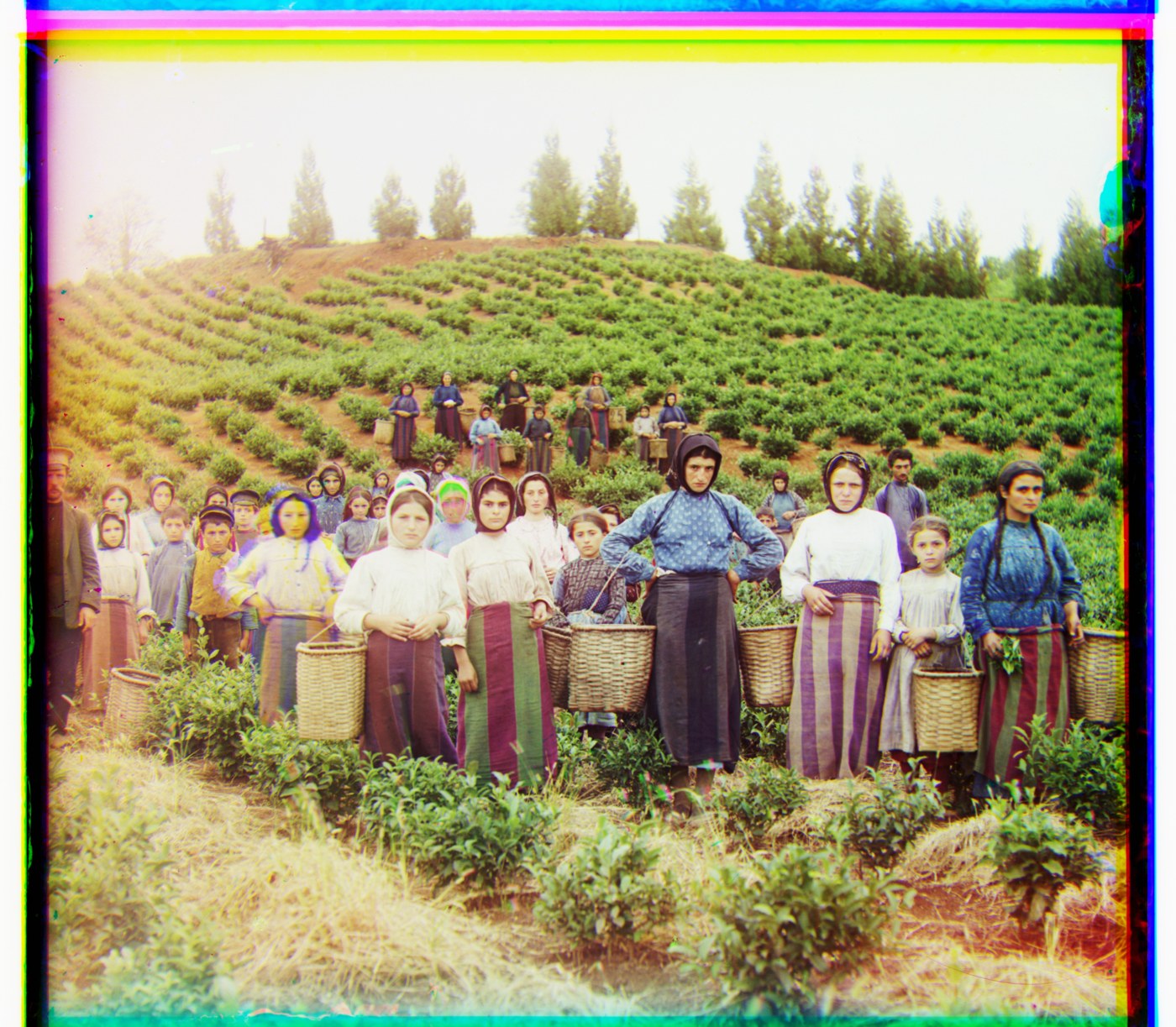
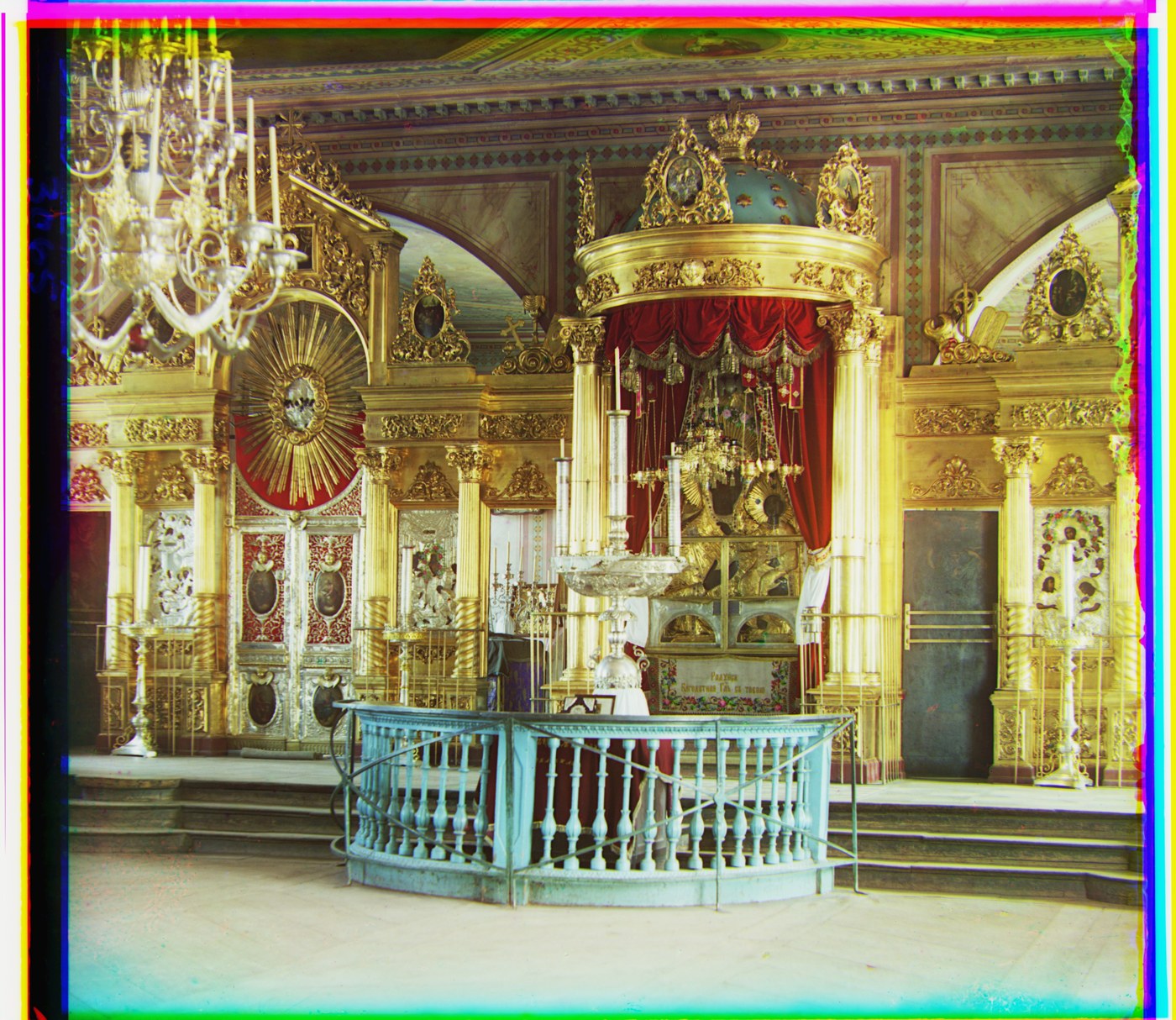
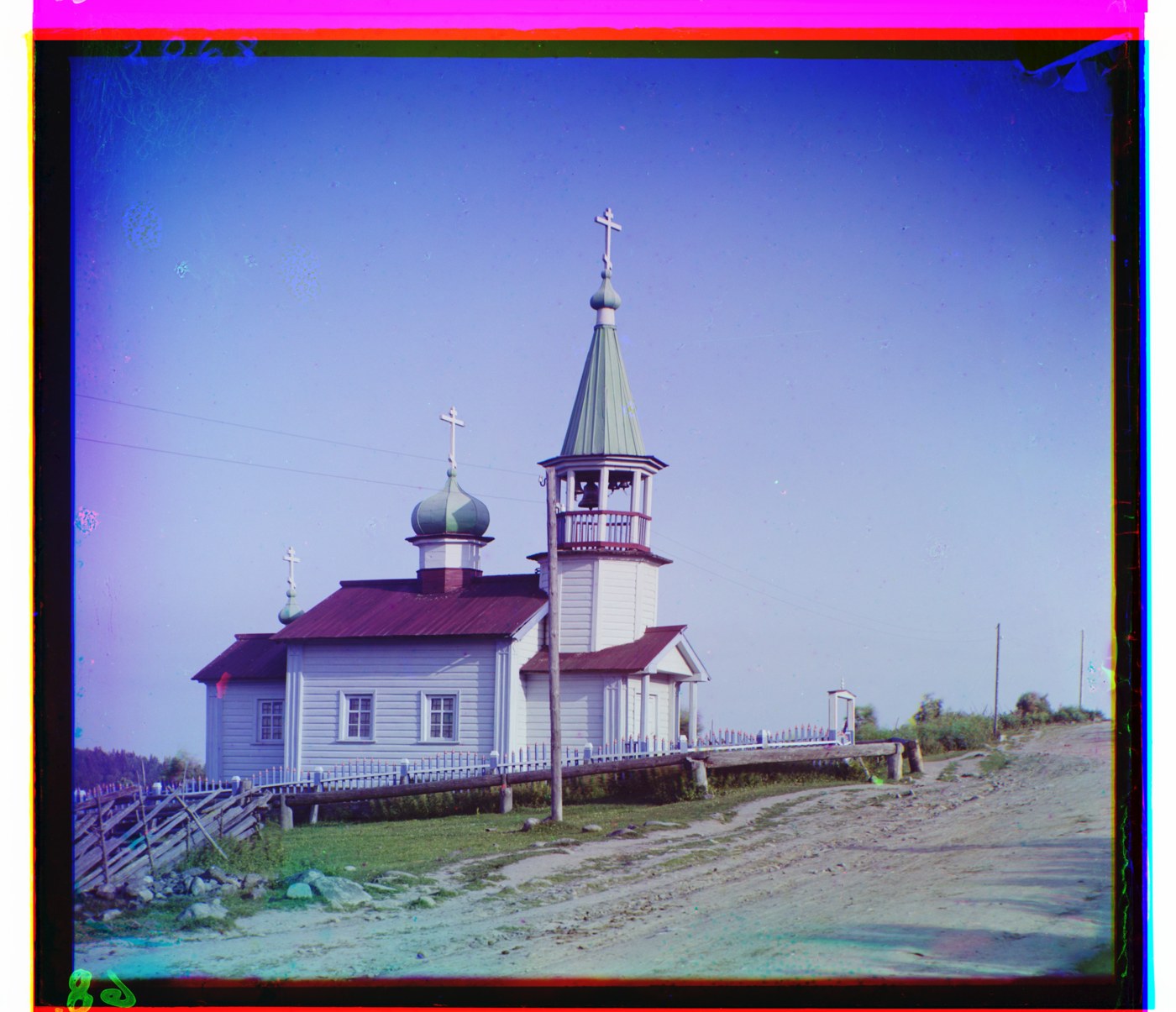
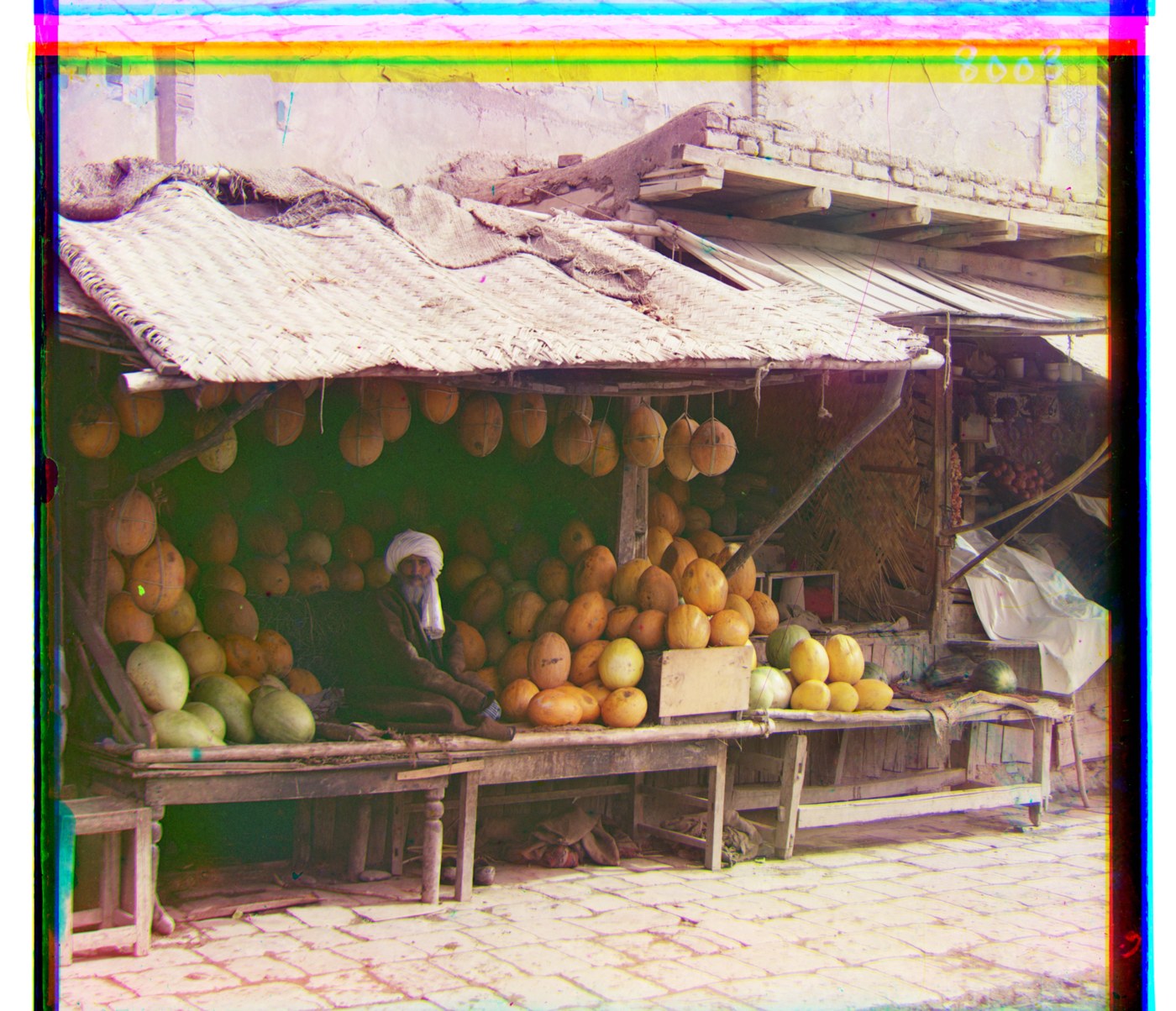
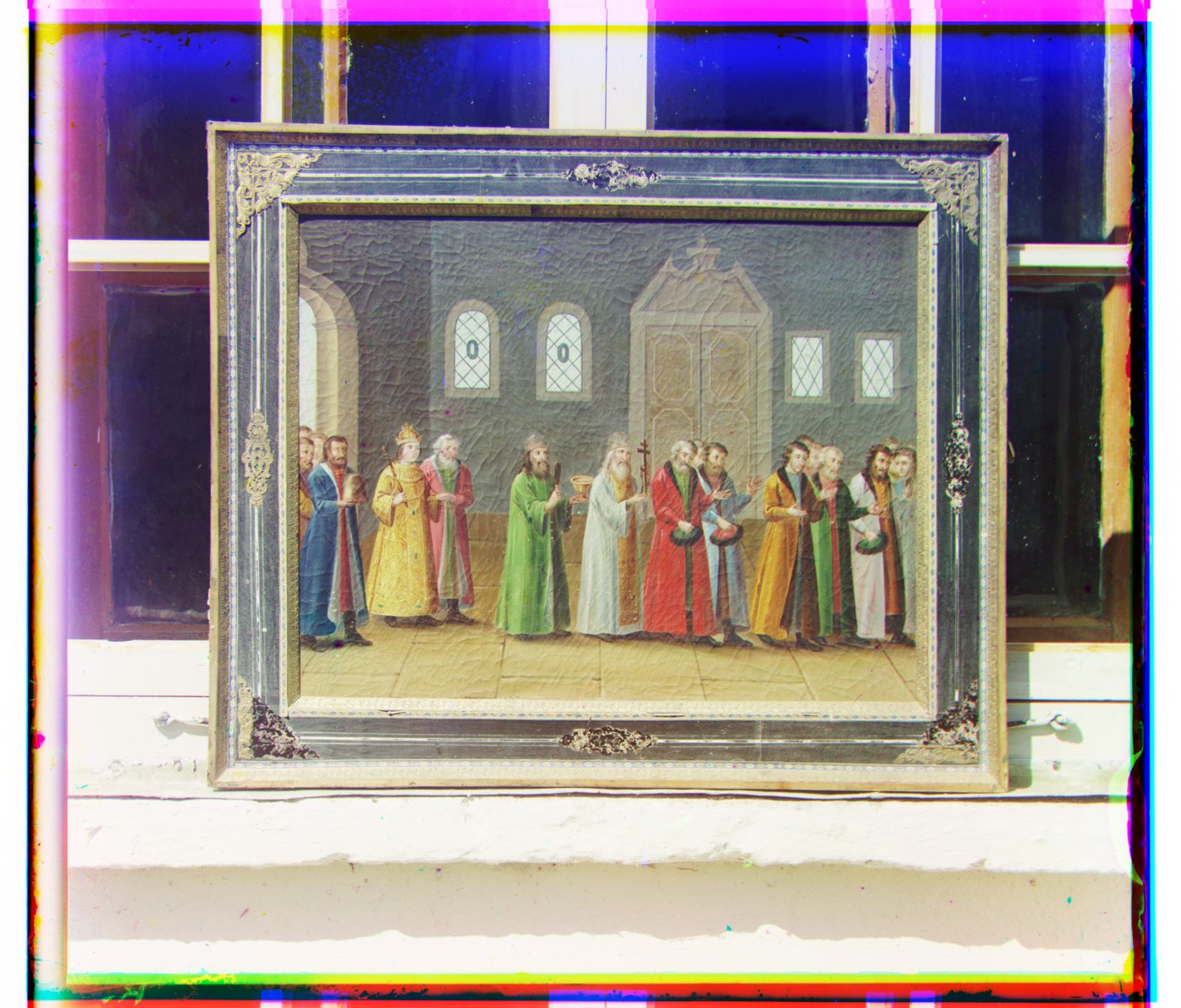
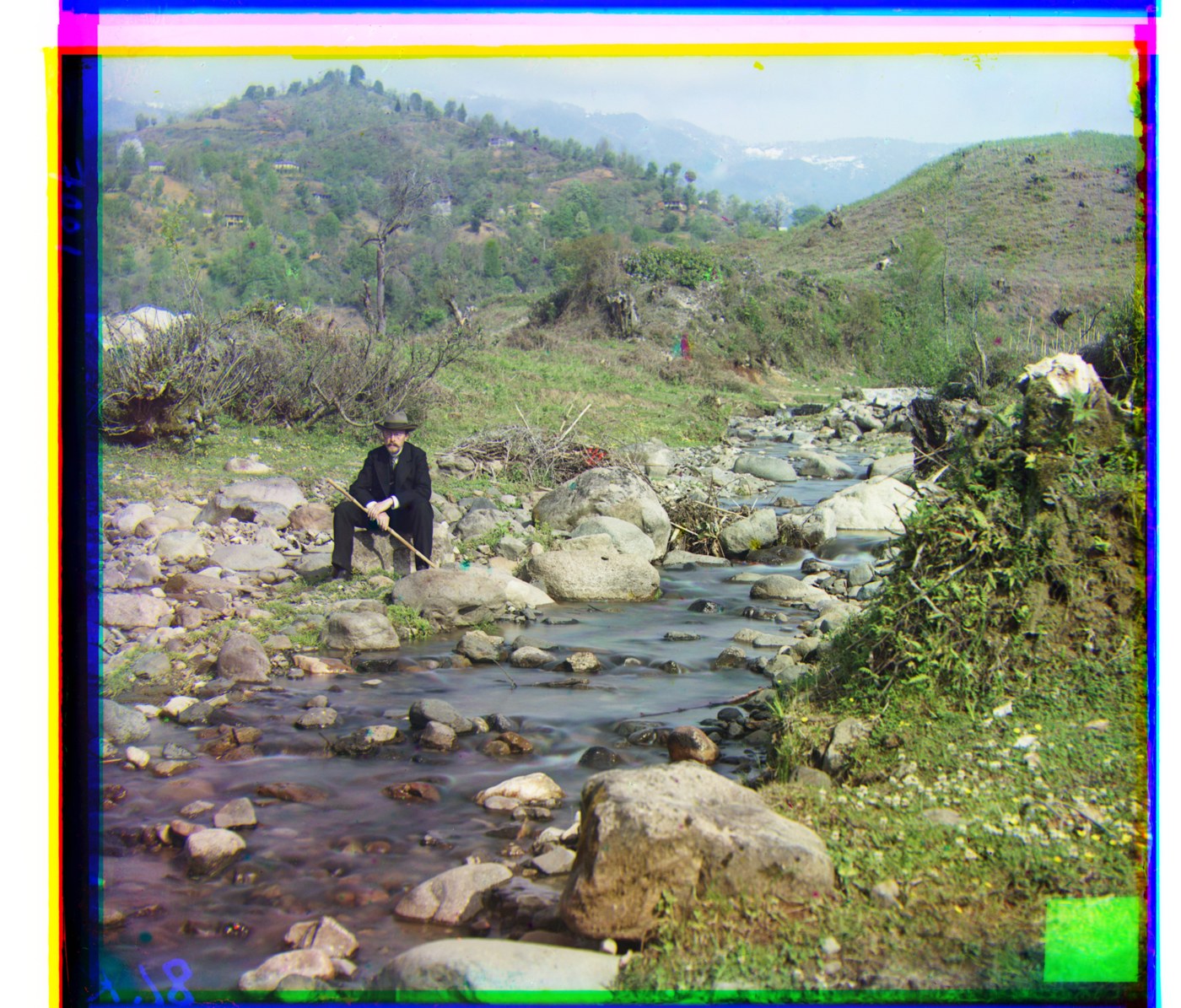
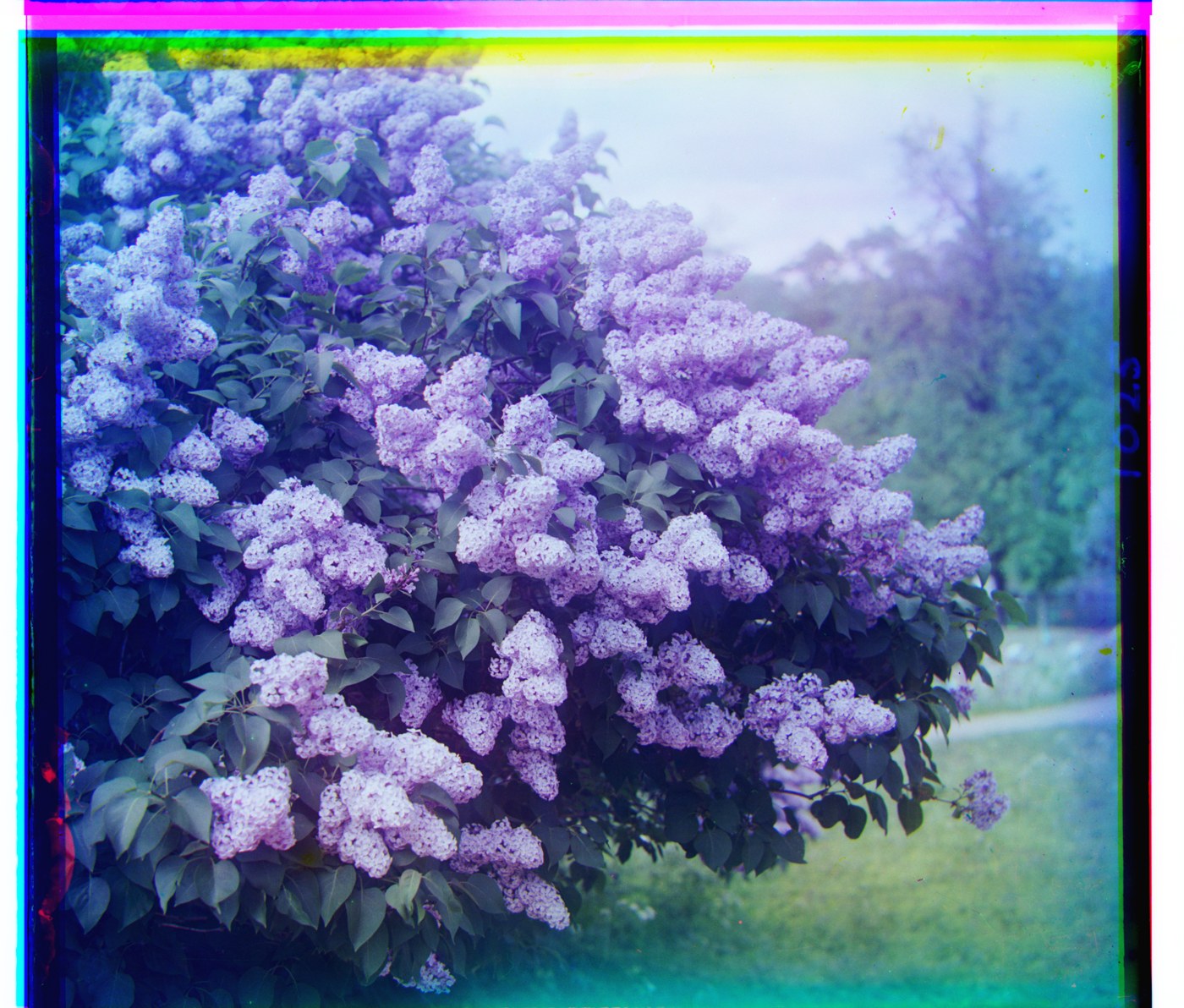
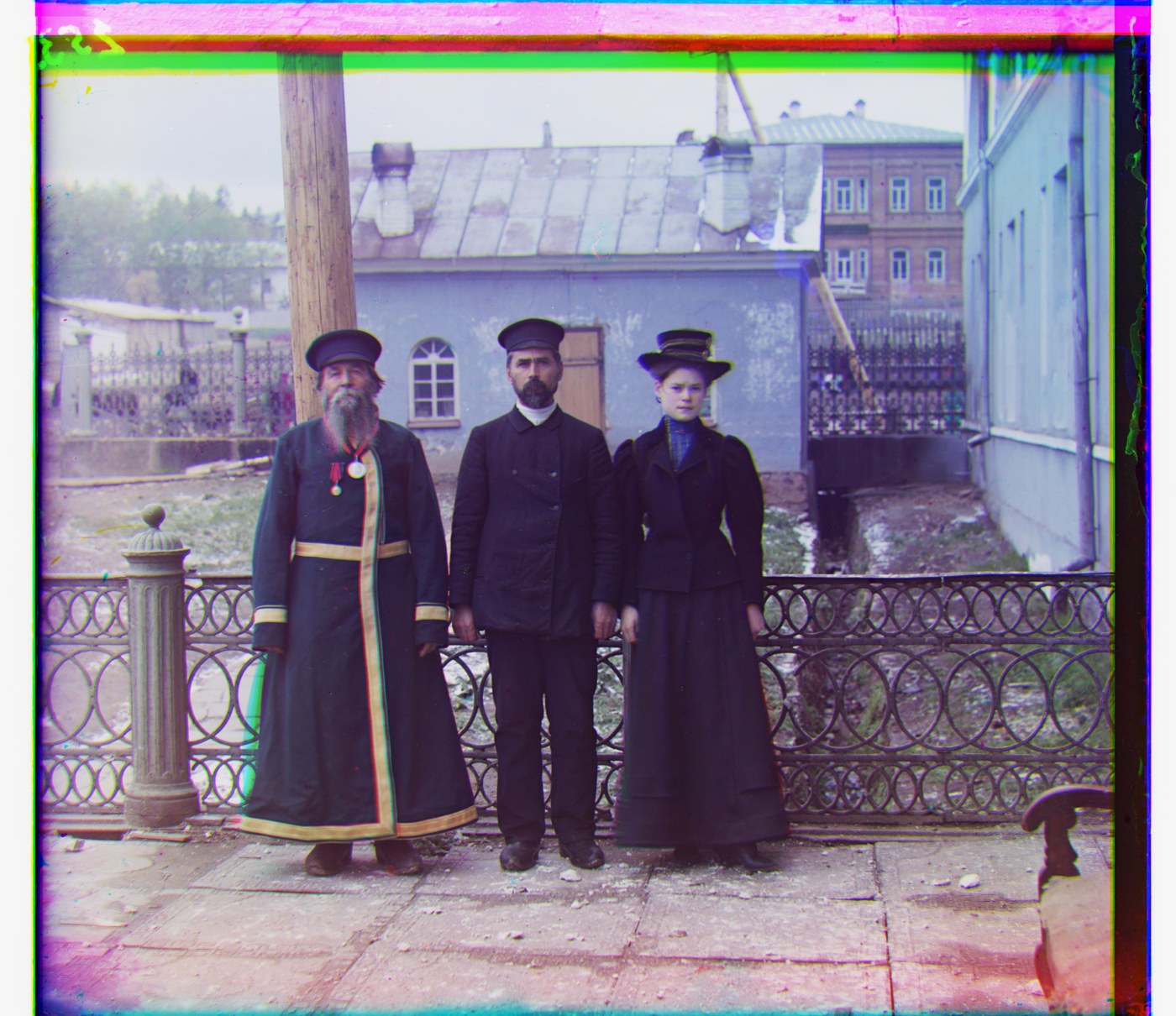
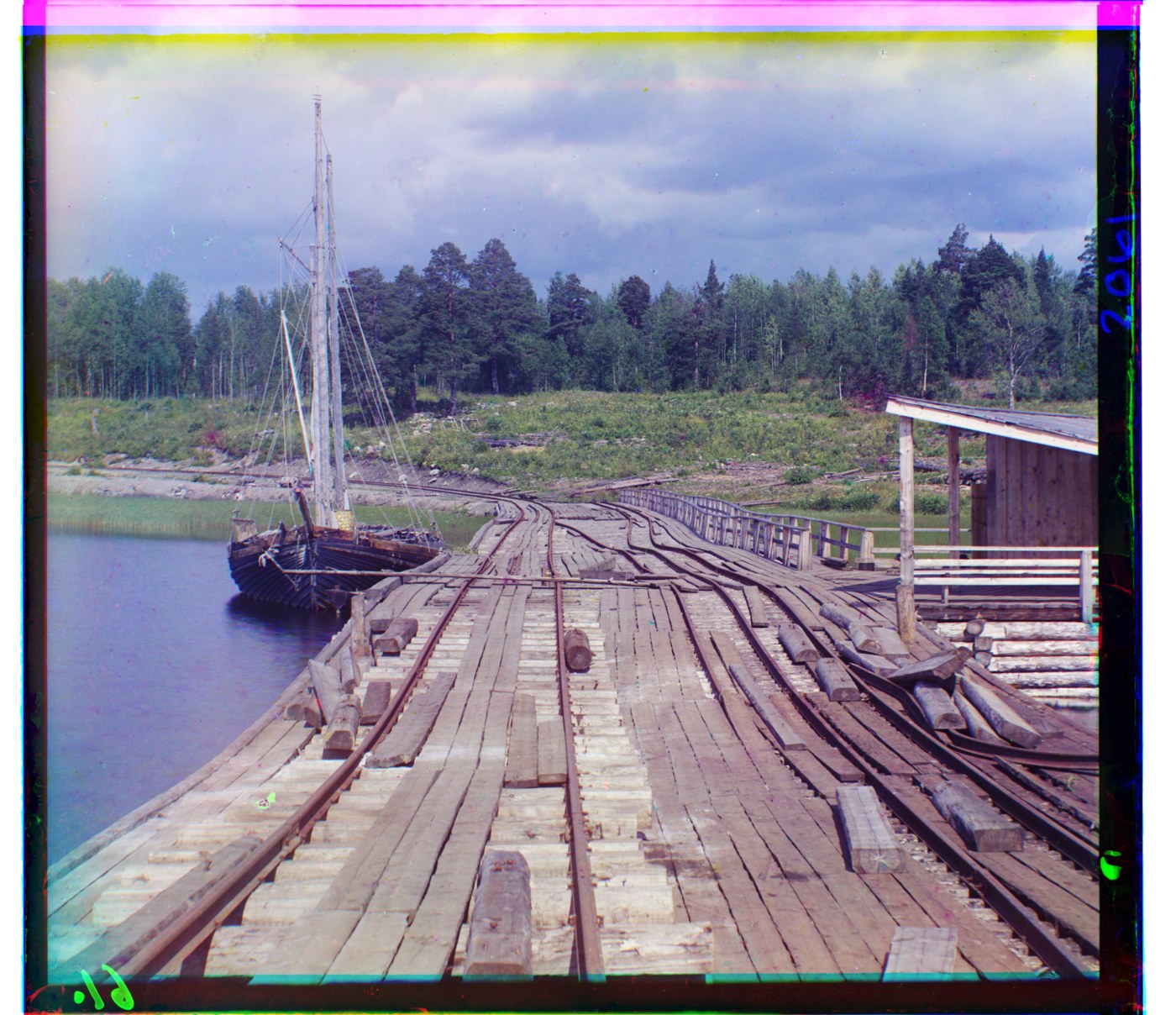
| Image | NCC: G | NCC: R | L2: G | L2: R | Time (NCC) |
|---|---|---|---|---|---|
| cathedral | (2, 5) | (3, 12) | (2, 5) | (3, 12) | 0.1 s |
| church | (4, 25) | (−4, 58) | (4, 25) | (285, 64) | 3.0 s |
| emir | (24, 49) | (43, 65) | (24, 49) | (43, 66) | 3.0 s |
| harvesters | (17, 60) | (14, 124) | (17, 59) | (13, 124) | 2.8 s |
| icon | (17, 41) | (23, 89) | (17, 41) | (23, 89) | 2.9 s |
| ilemselga | (7, 40) | (11, 130) | (7, 40) | (11, 130) | 2.8 s |
| melons | (10, 81) | (13, 178) | (10, 81) | (13, 178) | 2.8 s |
| monastery | (2, −3) | (2, 3) | (2, −3) | (2, 3) | 0.1 s |
| religous_painting | (3, 28) | (7, 68) | (3, 28) | (7, 69) | 2.7 s |
| self_portrait | (29, 79) | (37, 176) | (29, 79) | (37, 176) | 2.9 s |
| siren | (−6, 49) | (−25, 96) | (−6, 49) | (−25, 96) | 3.1 s |
| three_generations | (14, 52) | (11, 111) | (14, 53) | (11, 111) | 2.7 s |
| tobolsk | (3, 3) | (3, 6) | (3, 3) | (3, 6) | 0.1 s |
| wharf | (−7, 15) | (−16, 82) | (−7, 15) | (−16, 82) | 2.7 s |
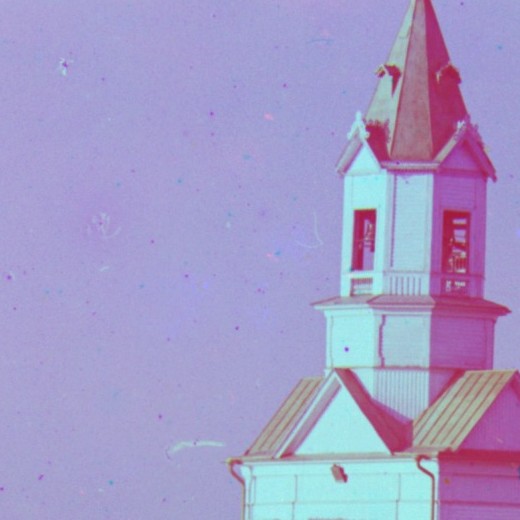
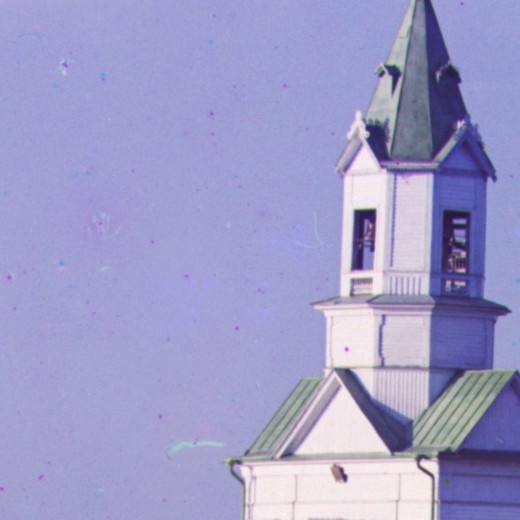
How L2 lost the church by 285 pixels
(((15·2+3)·2+3)·2+3)·2+3 = 285. At the coarsest level L2 picked dx = 15, the edge of the window, and each refinement level could only add 3 more pixels in the same direction.
The first guess was bad because the red plate of the church is about 30% darker than the blue one (mean 0.51 vs 0.72). L2 has a local minimum at the right answer, but sliding R sideways pairs its dark church with darker parts of B, and the sum of squares keeps dropping well past the edge of the window. NCC ignores the brightness gap and puts the peak at dx = 0 at every window size I tried, from ±15 to ±60. I added a warning for when the winner lands on the window edge. L2 on church trips it at all five levels.
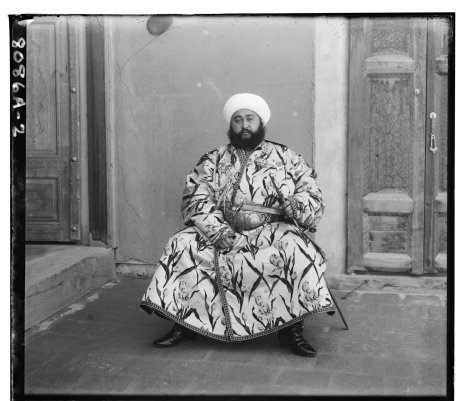
One failure: the emir
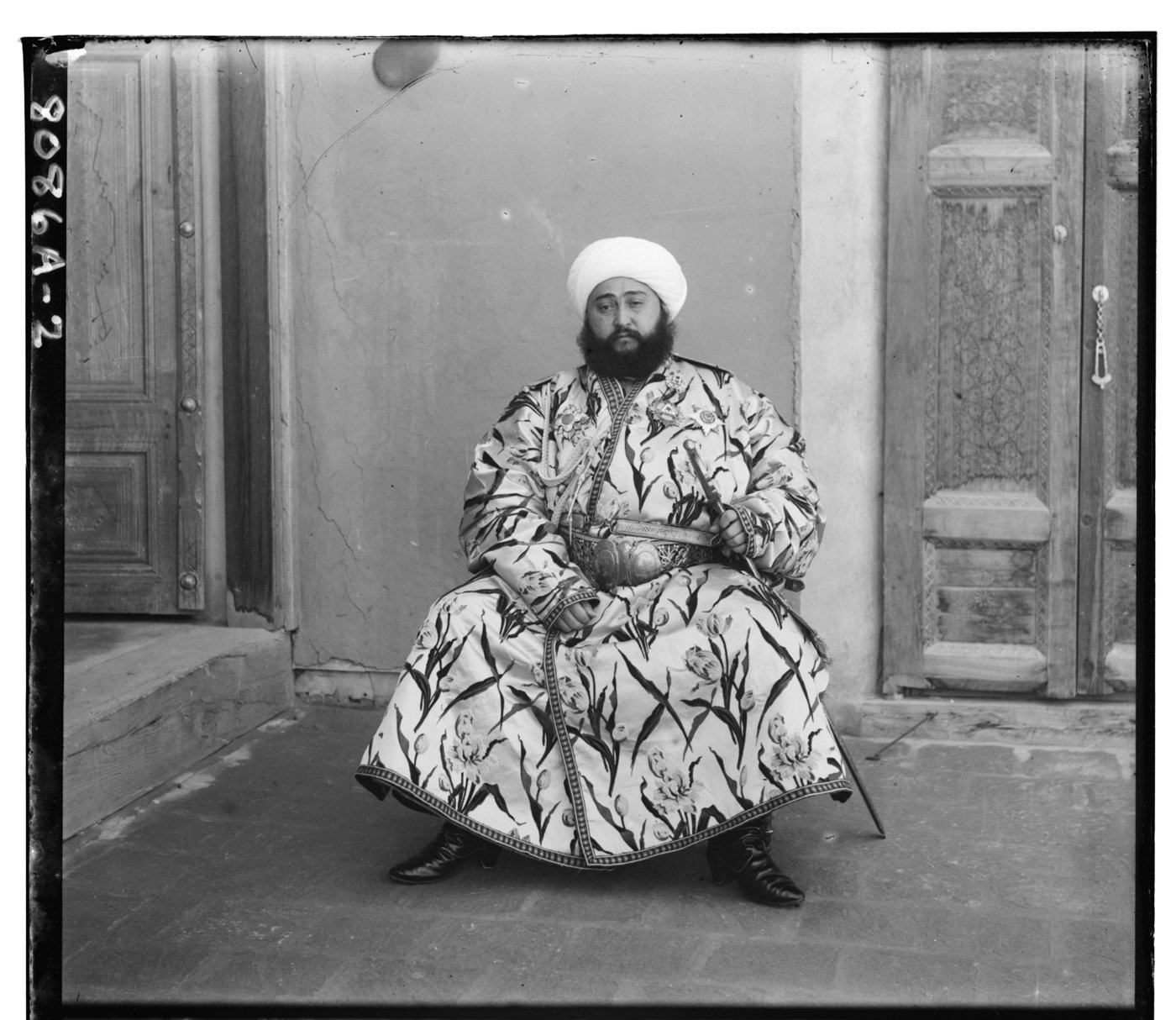
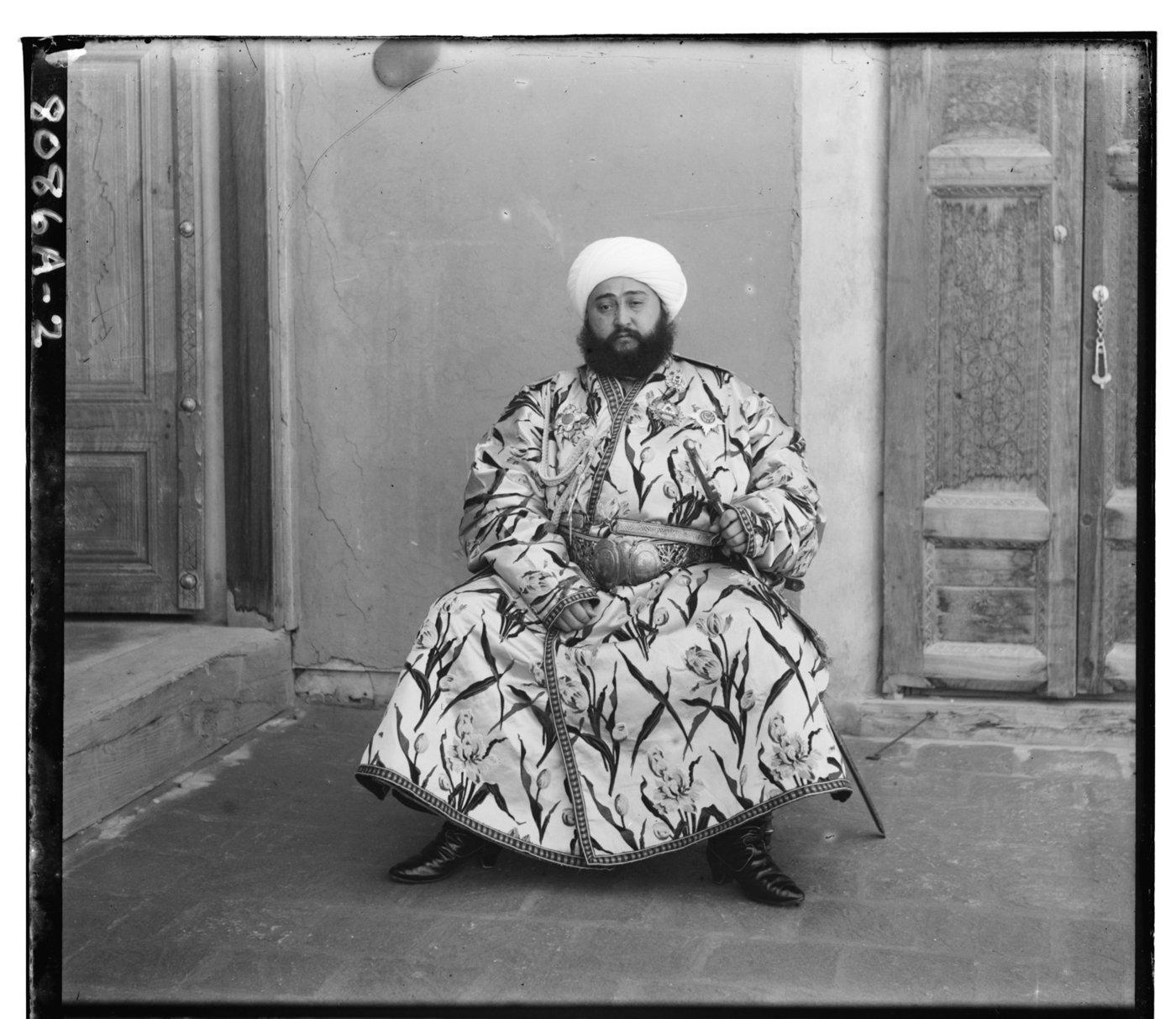
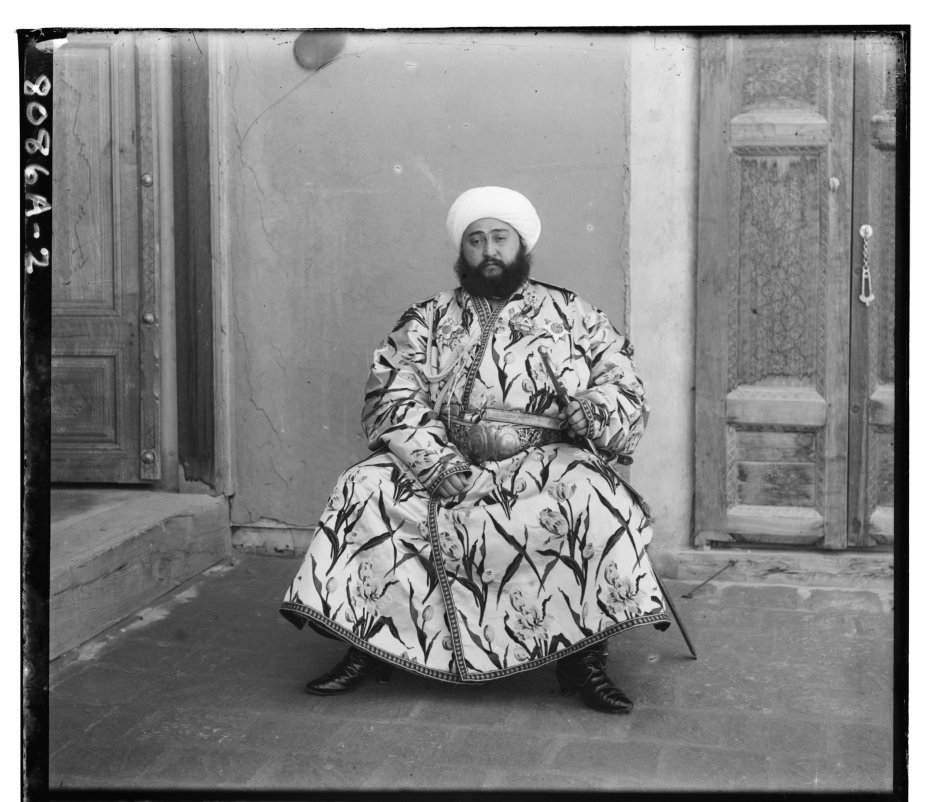
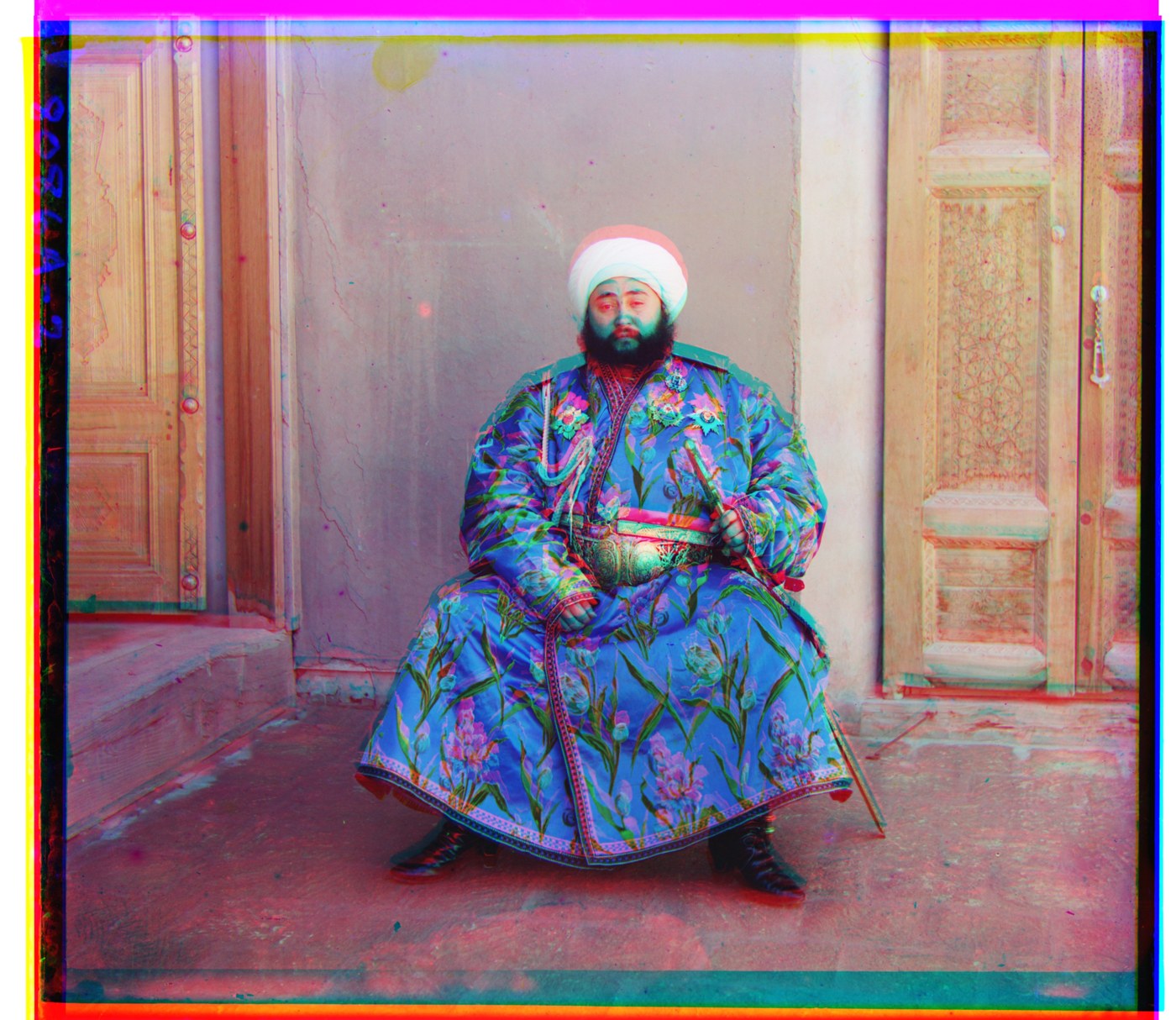
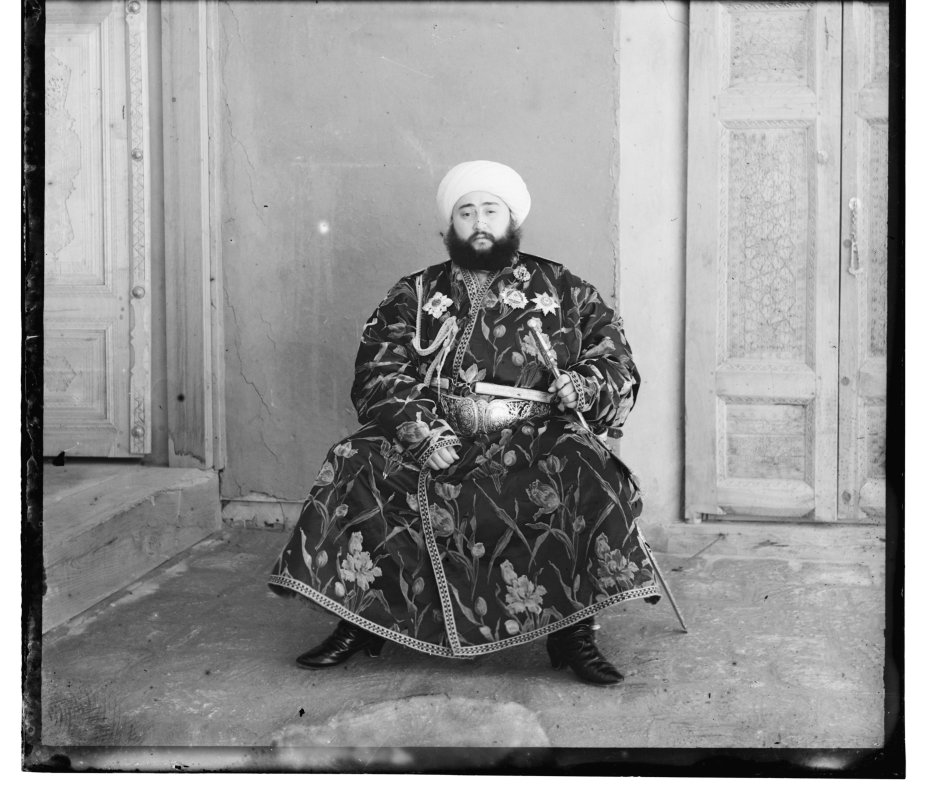
With NCC on raw pixels, 13 of 14 plates align and one does not. The emir's red channel lands at (43, 65) when it should be near (40, 107). That is a 42 pixel miss and it puts a second turban above the first. Part 5 explains why and fixes it.
Three more from the collection
Three plates I downloaded from the Library of Congress, run with the same code and parameters.
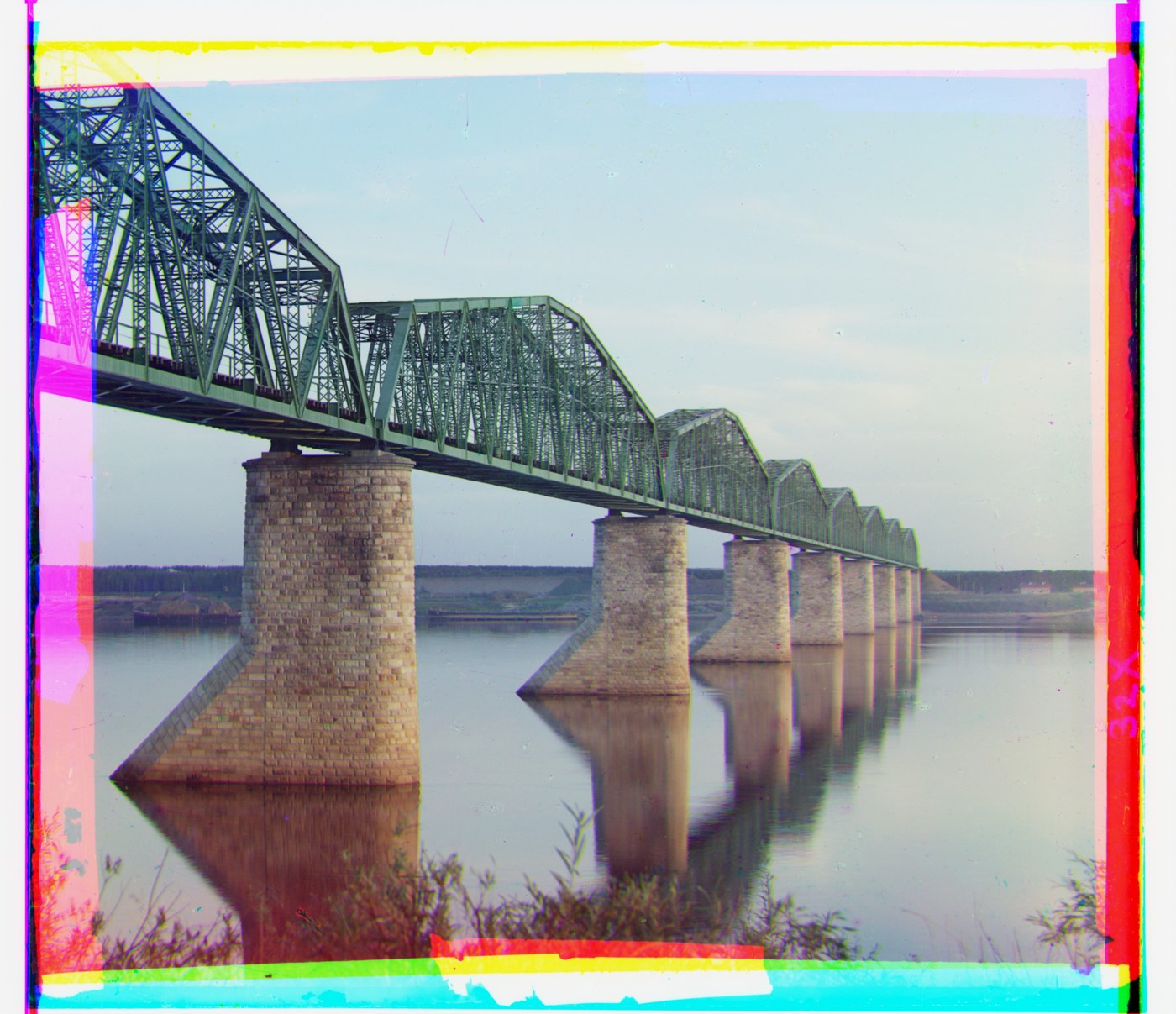
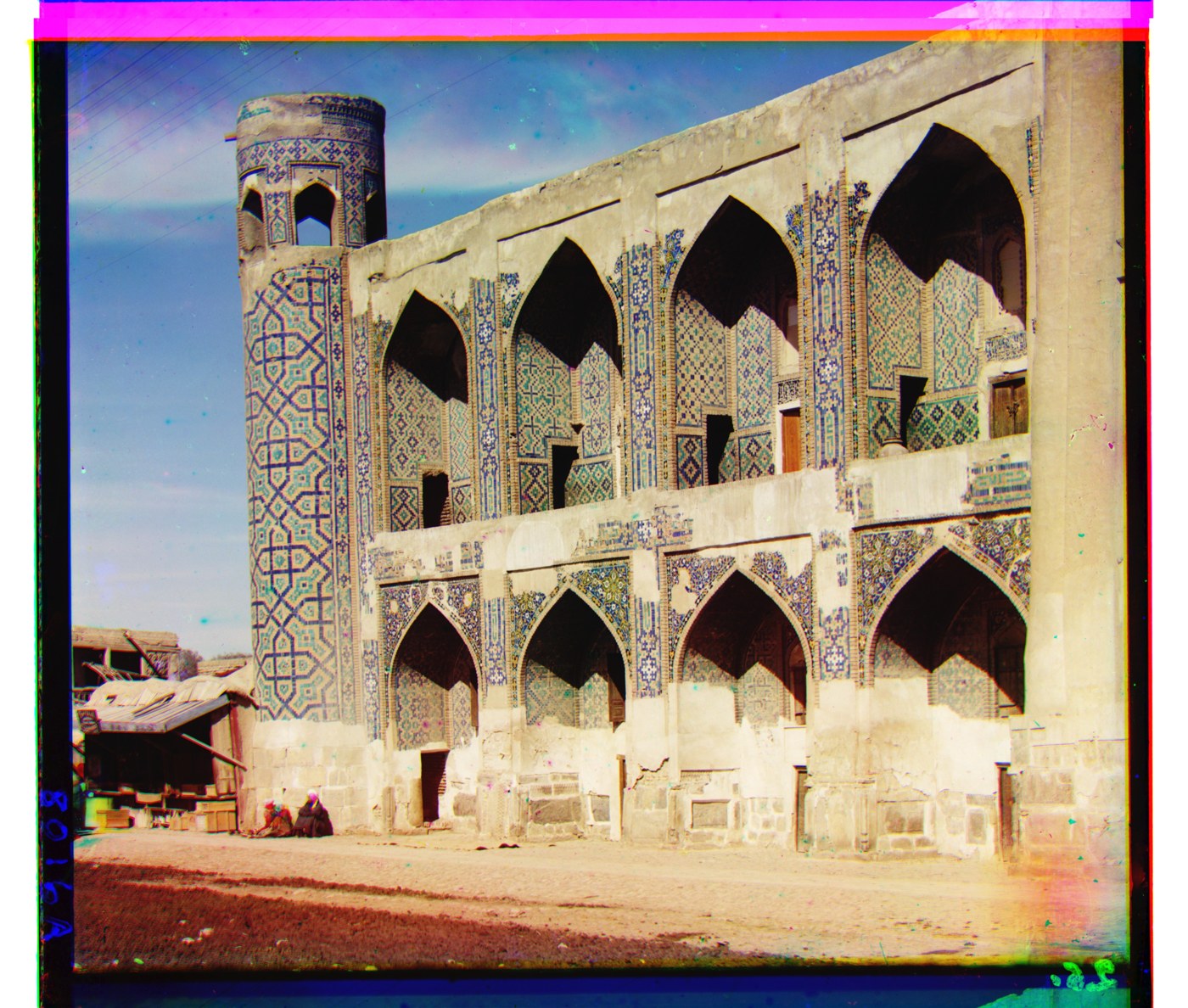
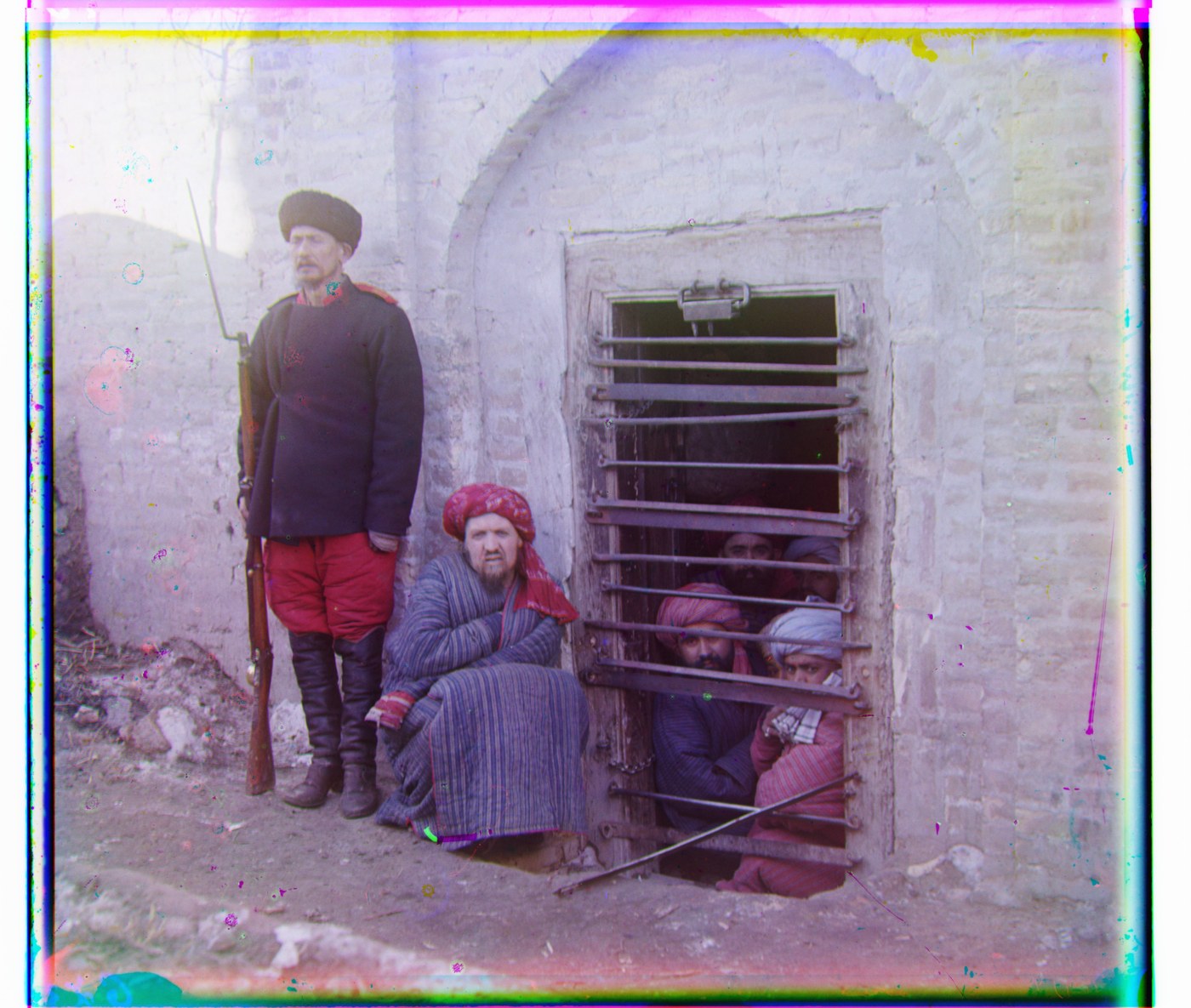
These are the raw "digital file from glass negative" TIFFs from the LoC, in the same three-frame format as the course data (16-bit, about 3,750 × 9,600). L2, NCC and the gradient version from Part 5 all agree on these three to within a couple of pixels.
Bells & whistles · Better features
The emir: aligning on edges
Every score so far compares brightness. The emir's robe is bright in one plate and dark in another, so brightness can't match. The edges are in the same place in all three.
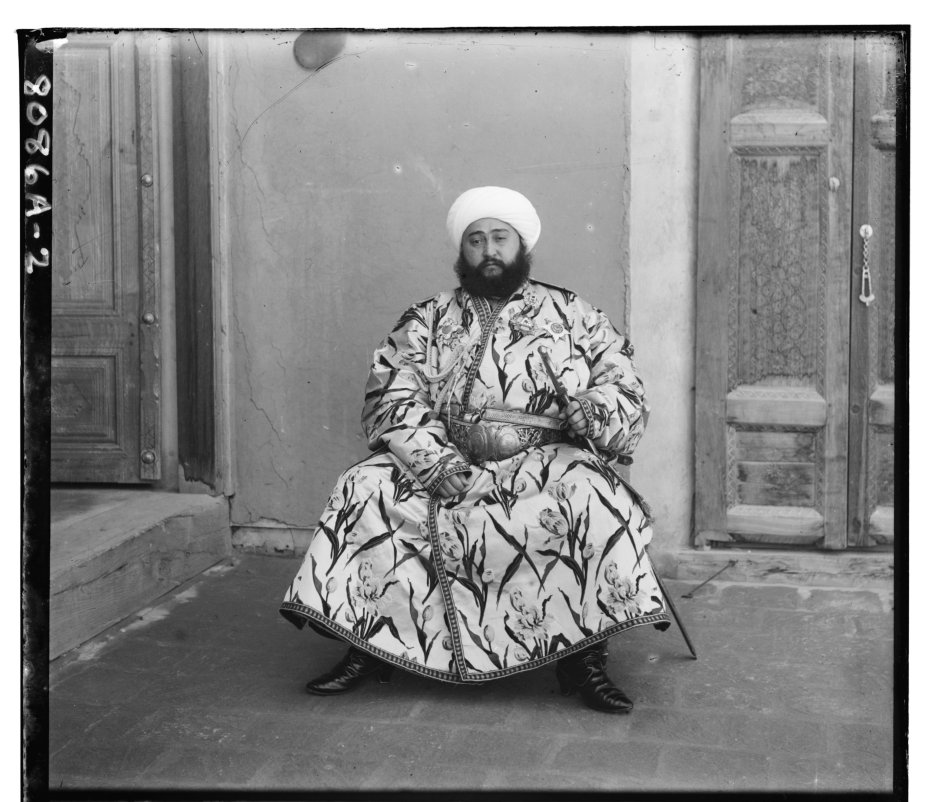
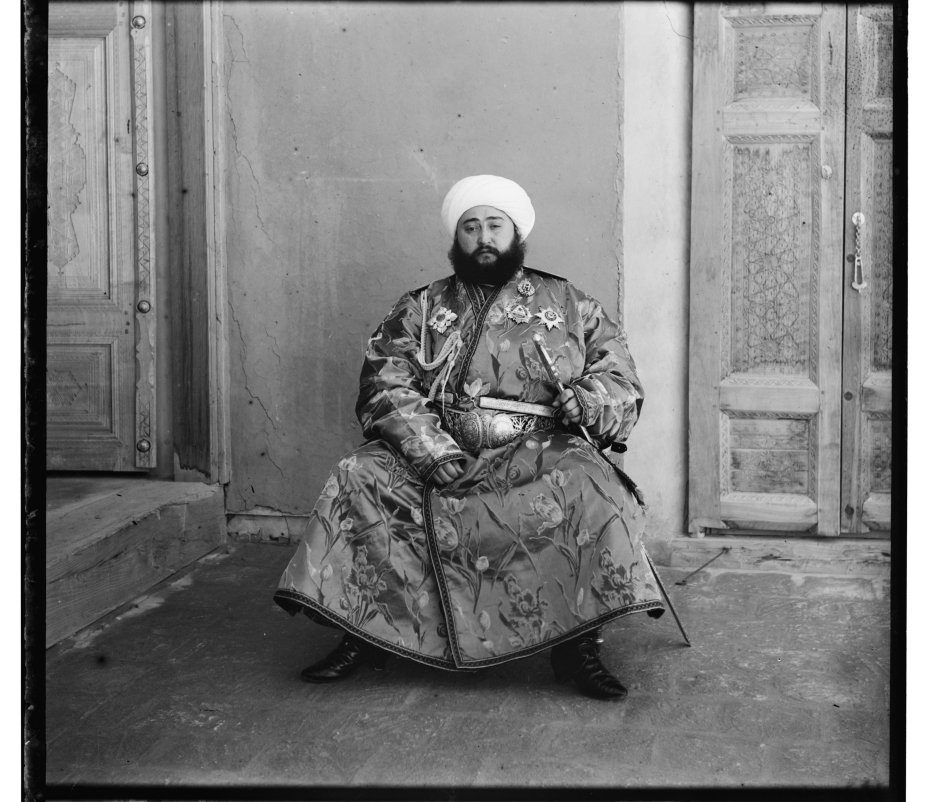
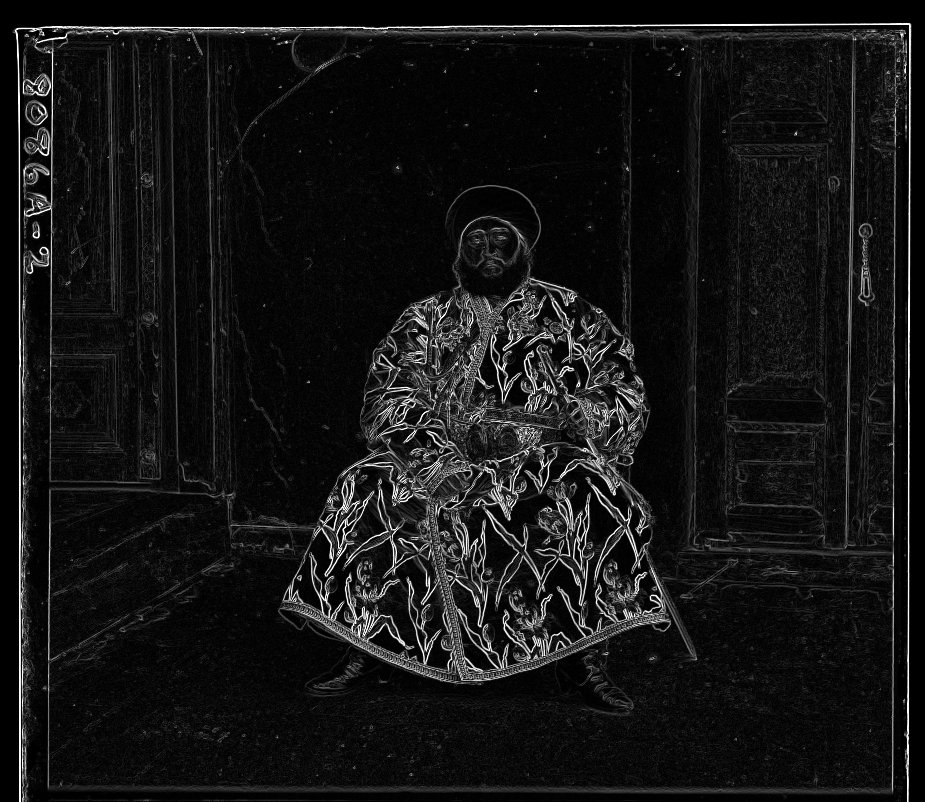
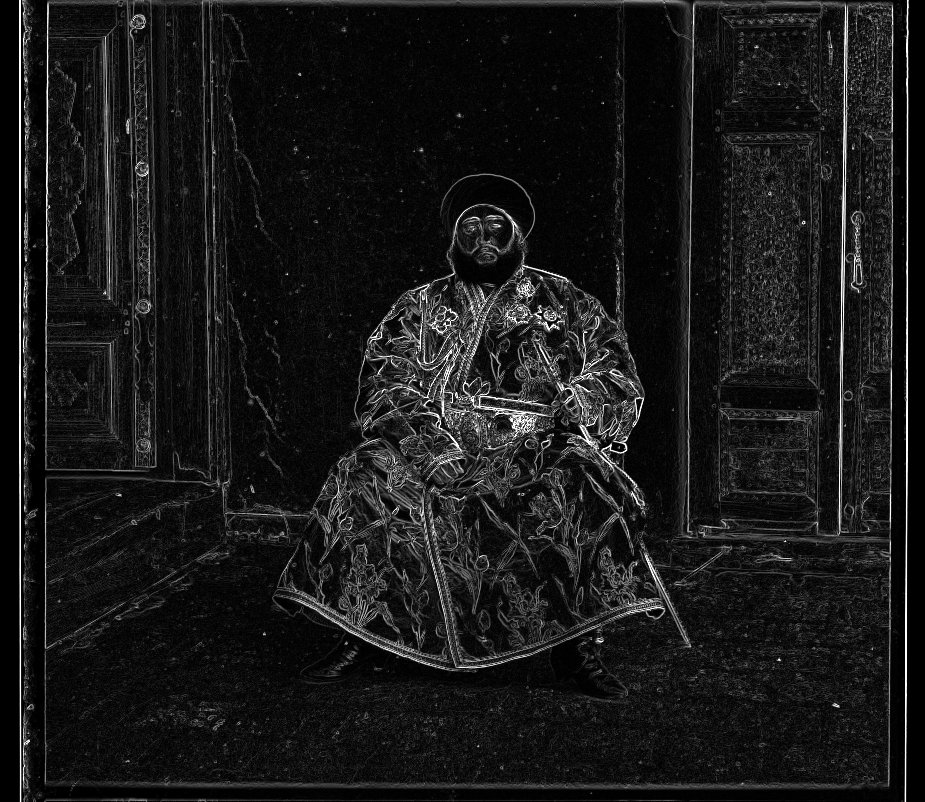
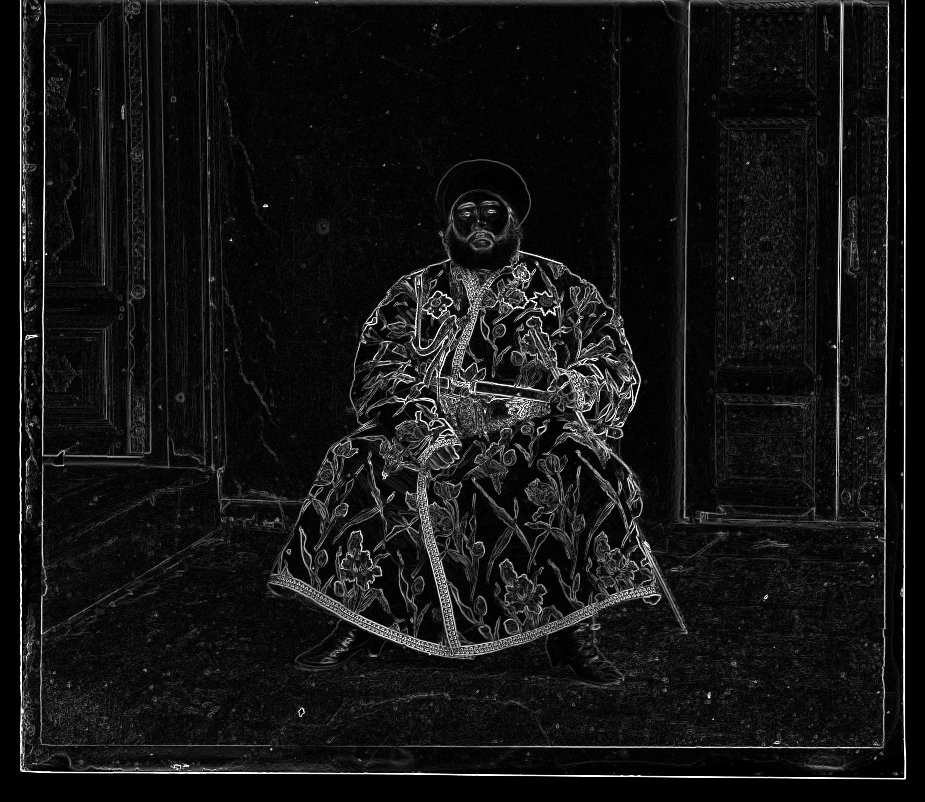
I use the gradient magnitude: at each pixel, the difference to the pixel on the right and the difference to the pixel below, combined as a length,
|∇I| = √( (Ix+1,y − Ix,y)² + (Ix,y+1 − Ix,y)² )
It is large on edges and near zero on flat regions, whether the region is bright or dark. I compute it once per channel and pass the edge maps to the same pyramid search with the same NCC score. The final image is still built from the raw plates. The gradients are only used to find the displacement.
One note: the downsampling is applied to the edge maps rather than recomputing gradients at each level, so the coarse levels see blurred edges. That was fine. The coarse search only has to be right to within a pixel or so.
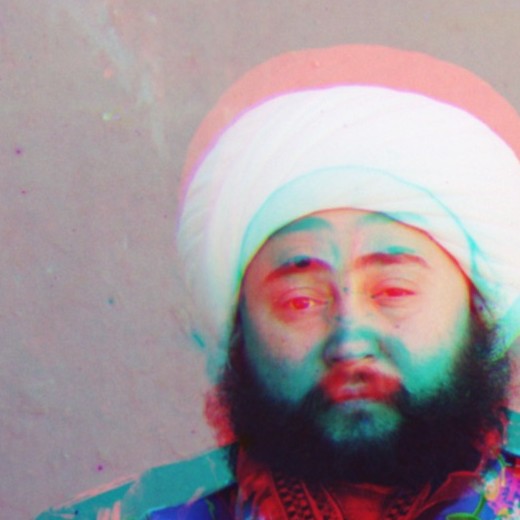
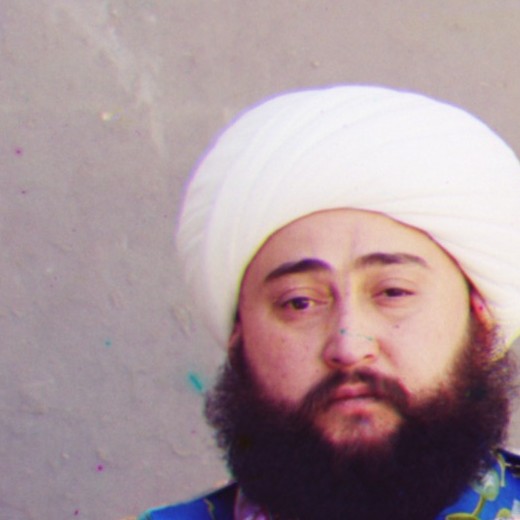
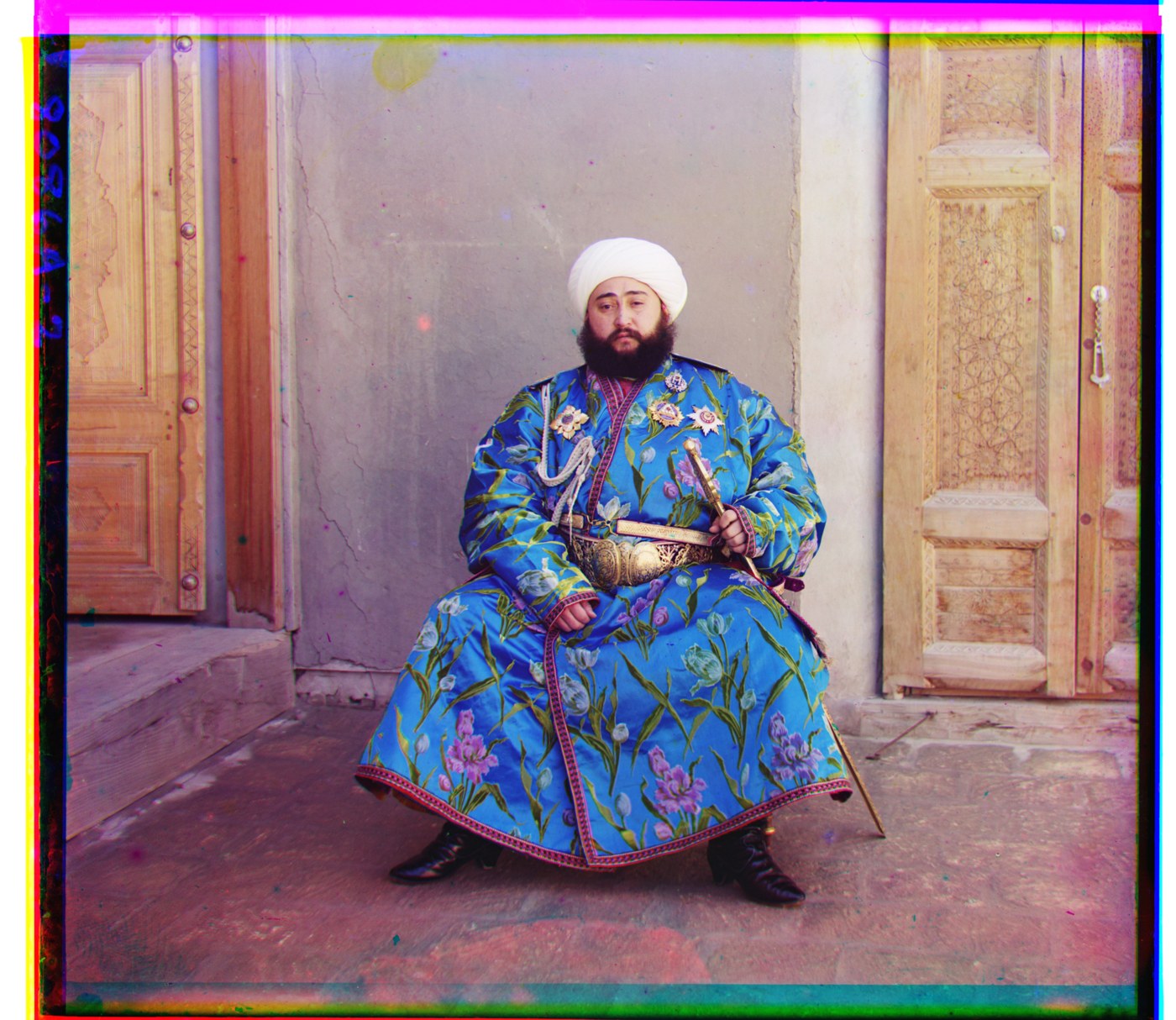
| Features | G (dx, dy) | R (dx, dy) | Result |
|---|---|---|---|
| Raw pixels, NCC | (24, 49) | (43, 65) | red channel 42 px too high |
| Raw pixels, L2 | (24, 49) | (43, 66) | same failure |
| Gradient magnitude, NCC | (24, 49) | (40, 107) | aligned |
I ran the gradient version on all 17 plates to see if it broke anything. On the other 16 it returns the same displacement as raw pixels to within four pixels, and most are identical or off by one. The one that changed visibly is religous_painting: gradients put G four pixels from where raw pixels put it, and the figures pick up a green fringe that wasn't there before.
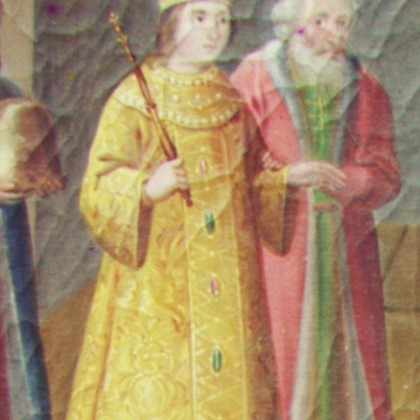
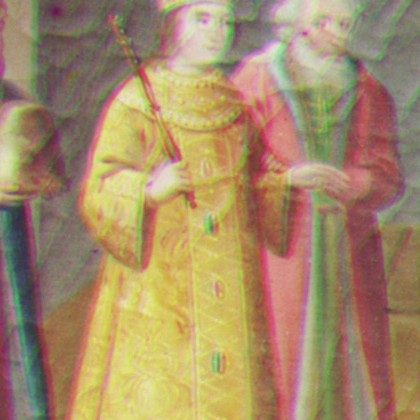
I think this is the scale problem again. The blue plate is slightly larger than the other two, so no single shift is right everywhere and each score picks a compromise. Gradients are dominated by the strongest edges, which here are the window sill along the bottom of the frame, so the search aligns the sill and lets the painting above it drift. Raw pixels weight the whole frame more evenly. So gradients fix the emir and cost a few pixels on one other plate. Both versions are 13 out of 14, just not the same 13.
Why edges
Brightness depends on the filter. Geometry depends on the scene. The robe's outline is in the same place no matter which filter it was shot through, so that is the thing to align on. The catch is that gradients only care about the strongest edges, so they can be pulled by whatever part of the frame has the most texture.
Notes
What I wrote myself, and what the translation model can't fix.
The code is one Python file on top of NumPy. PIL is only used to read the scans and write
JPEGs. The search, both metrics, the crop, the 2 × 2 downsampling, the pyramid
recursion and the gradient features are written by hand. The only library calls in the
alignment path are np.roll, sums, means and norms. I started with 32-bit floats
and melons moved by one pixel when I switched to 64-bit. On a flat plate the scores of
neighboring candidates are closer than the rounding error, so everything is 64-bit now.
Parameters are fixed for every image: 15% crop on each side (or wider if a search could reach a wrapped pixel), ±15 at the coarsest level, ±3 elsewhere, 256 pixel stopping size. Timings are single-threaded on my laptop.
Some fringing is left after alignment and it isn't a bug. On three_generations and icon the center is sharp but the corners show a few pixels of fringe in opposite directions. The blue plate is a fraction of a percent larger than the other two, and a translation can't fix that. Some people also moved between exposures, so a scarf that moved between the green and red shots comes out as a magenta and green double. I left the borders in. The colored bands are where the plates never overlapped.